How to delete outbound email message on Intercom
Here is how to delete outbound email message on intercom
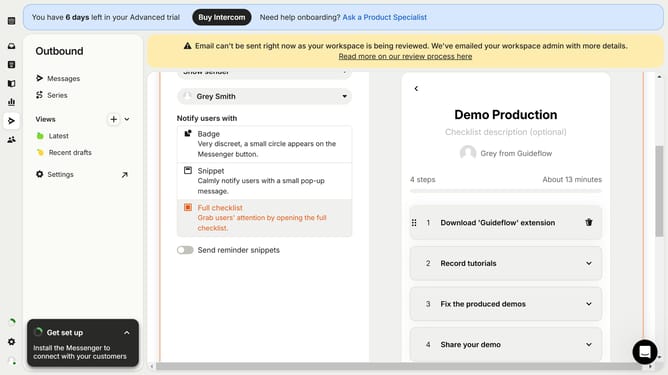
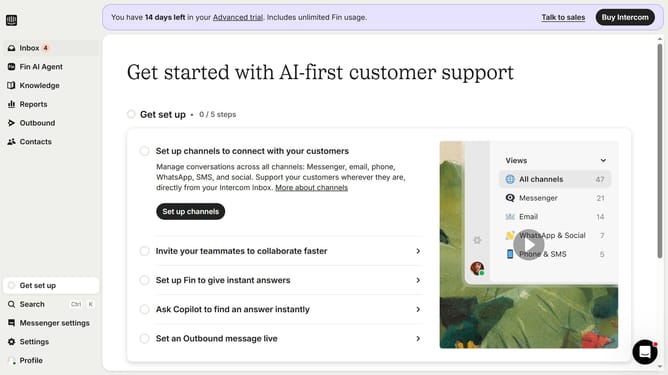
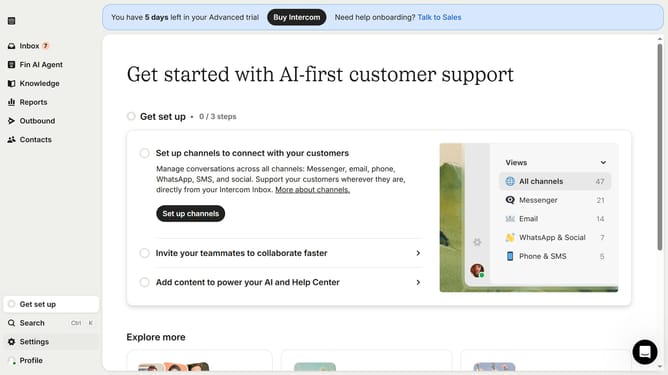
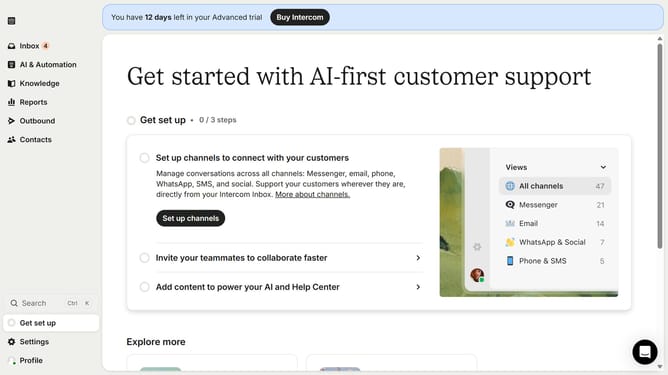
- First click on "Outbound" in the sidebar menu
- Then click on the checkbox next to email that you want to delete
- Then click on the "Delete" button
- Finally click on the "Delete" button in the confirmation dialog
Why should you delete outbound email message on Intercom
Intercom is a powerhouse platform designed to streamline customer communication and relationship building.
The ability to delete outbound email messages on Intercom is a critical feature that enables users to maintain organized and up-to-date communication with their audience.
This functionality helps prevent the clutter of outdated or irrelevant emails, ensuring more precise and effective messaging. It also minimizes the risk of sending incorrect or unintended emails, maintaining credibility.
By using this feature, businesses can better align their communication strategies with their evolving goals while fostering strong customer connections.
Last update