How to add a custom action to a workflow in Intercom
Here is how to add a custom action to a workflow in intercom
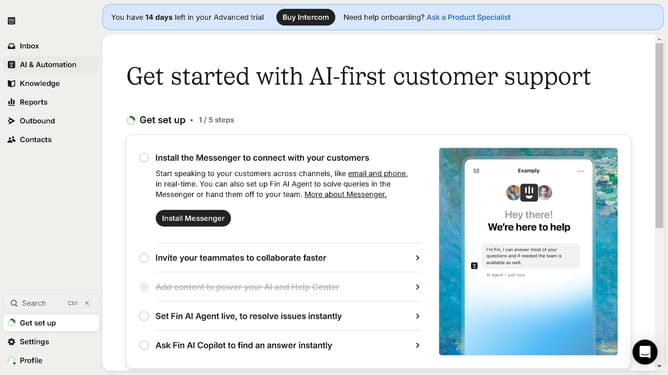
- First click on "AI & Automation" in the left sidebar menu
- Then click on "Workflows" in the left sidebar submenu
- Next click on workflow item in the workflows list
- Then click on "Add step" button in the workflow editor
- Click on the "Search" field in the top menu of the workflow editor
- Finally click on "Custom Action" action in the Add action dropdown menu
Why should you add a custom action to a workflow in Intercom
Intercom is a versatile platform designed to enhance customer engagement through personalized communication.
Adding a custom action to a workflow in Intercom allows you to tailor how your business interacts with customers, ensuring responses are timely and relevant.
By integrating custom actions, teams can automate processes that save time and streamline communication, enhancing customer satisfaction.
This feature enables adaptability to your specific business needs, making your customer communication more effective and personalized.
Last update