How to send an Email during a specific time in Intercom
Here is how to send an email during a specific time in intercom
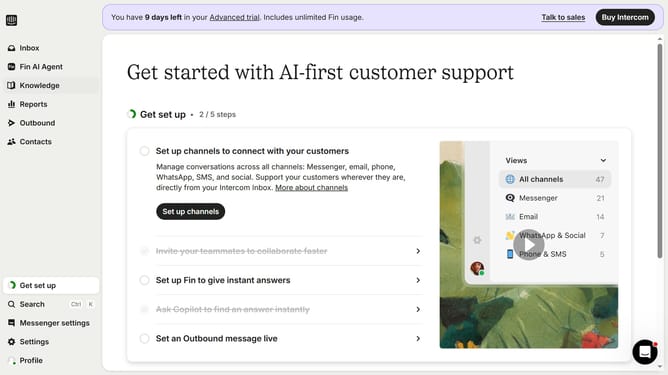
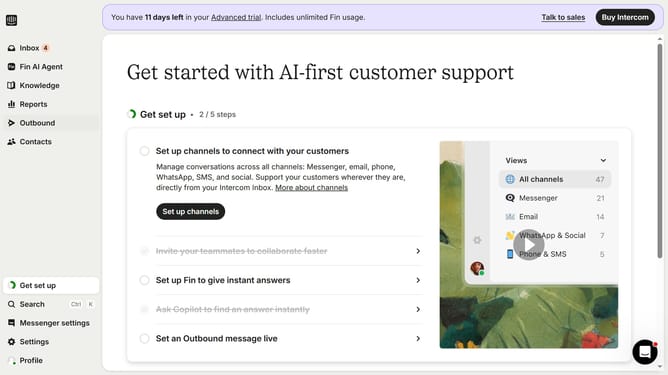
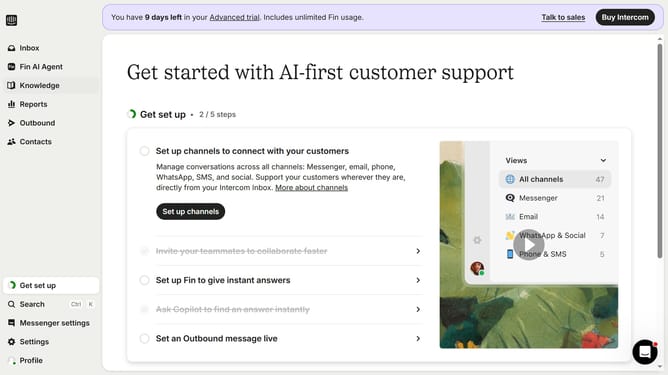
- First click on "Outbound" in the left sidebar menu
- Then click on "New message" button in the top right corner
- Click on "Email" template option in the template selection menu
- Select a template from the available email templates
- Click on "Use this template" button in the top right corner
- Click on "Frequency and scheduling" section to expand sending options
- In the Frequency section, click on "on any day, any time" dropdown
- Select "At custom times" option from the dropdown menu
- Click on the time slot grid to select specific sending times
Why should you send an Email during a specific time in Intercom
Intercom is a versatile customer communication platform designed to foster better interaction between businesses and their clients.
With Intercom, you can schedule emails to be sent at a specific time, ensuring that your message reaches your audience when they're most engaged. This feature is ideal for targeting customers across different time zones or optimizing open rates by sending messages at peak times.
By timing your emails strategically, you can enhance customer engagement, drive more responses, and create a more personalized experience for your audience, all effortlessly managed within Intercom's user-friendly interface.
Last update