How to edit a snippet on Intercom
Here is how to edit a snippet on intercom
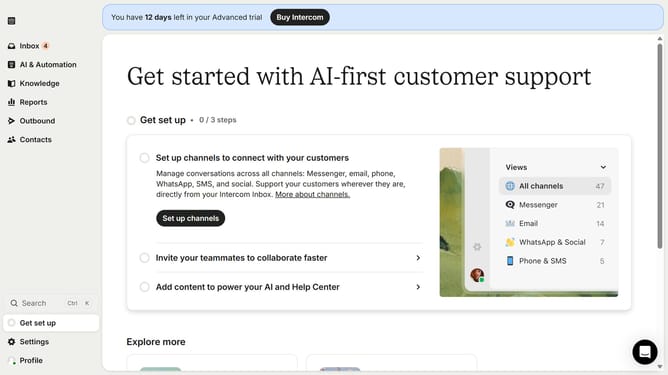
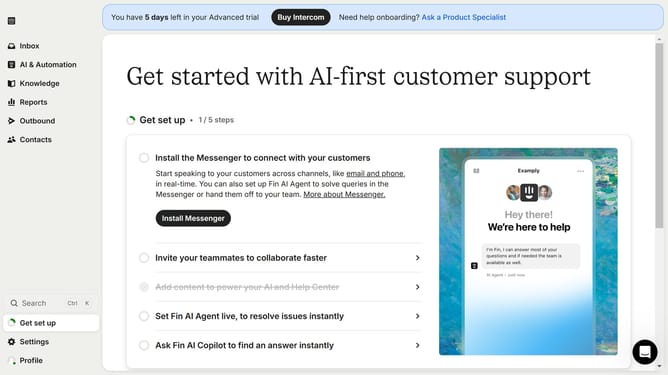
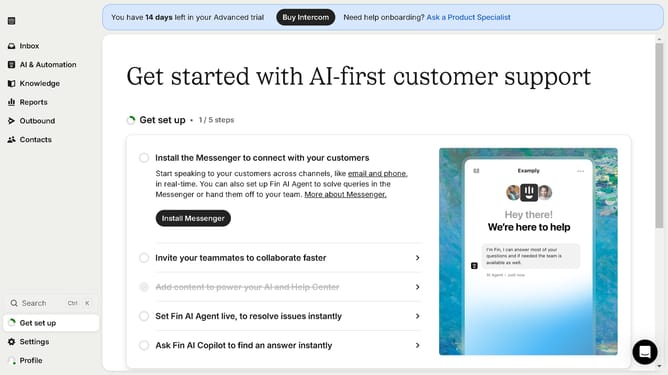
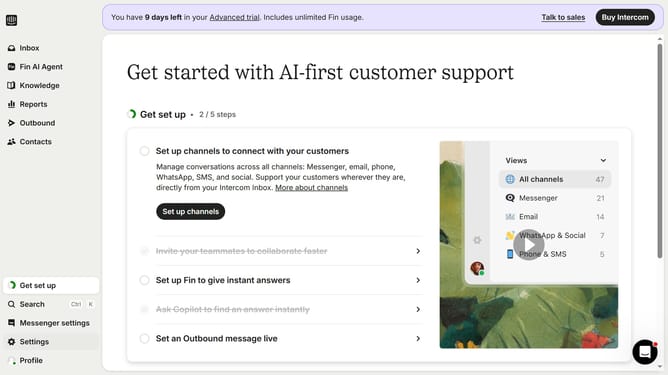
- First click on the "Knowledge" item in the left sidebar menu
- Then click on "Sample Snippet" in the content list
- Next click on the "Edit" button in the top toolbar
- Then click on the content area to begin editing the snippet
- Finally click the "Save" button in the top toolbar to save your changes
Why should you edit a snippet on Intercom
Intercom is a dynamic platform designed to streamline customer communication.
Edit snippets on Intercom to customize your messaging effortlessly. Tailor responses and enhance user engagement by ensuring information is accurate and aligned with your brand voice.
Using this feature boosts efficiency. By refining snippets, you maintain consistency and save time, ultimately improving your team's responsiveness.
Experience seamless interaction management with this intuitive tool, perfect for elevating your customer service strategy.
Last update