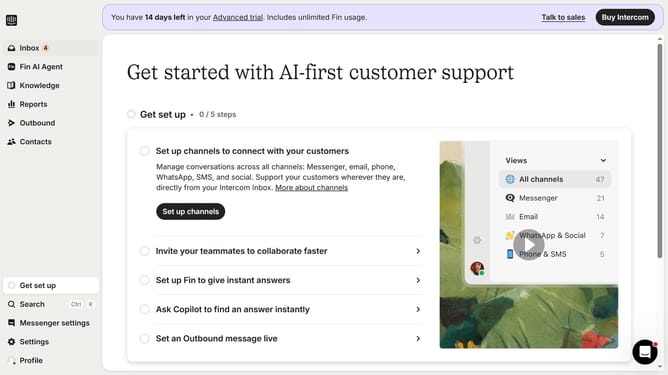
How to change the email template in Intercom
Here is how to change the email template in intercom
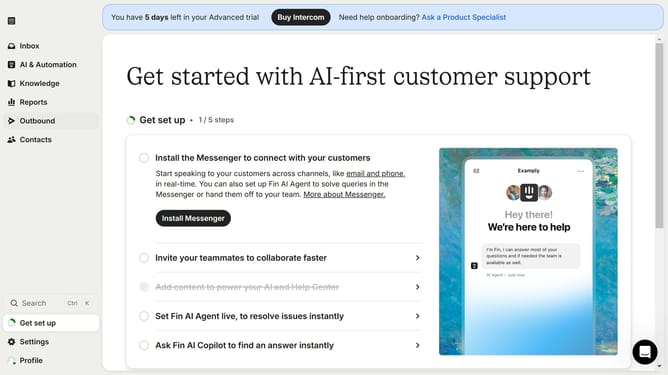
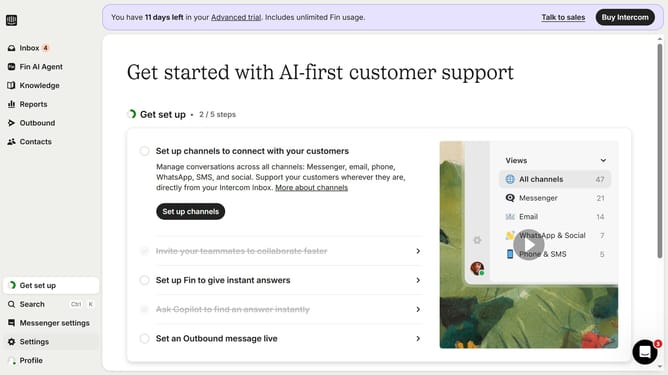
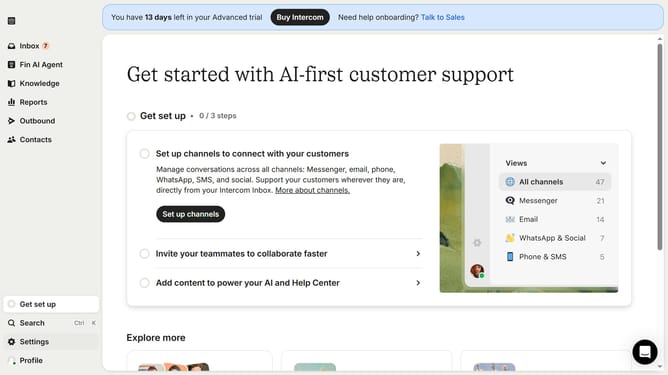
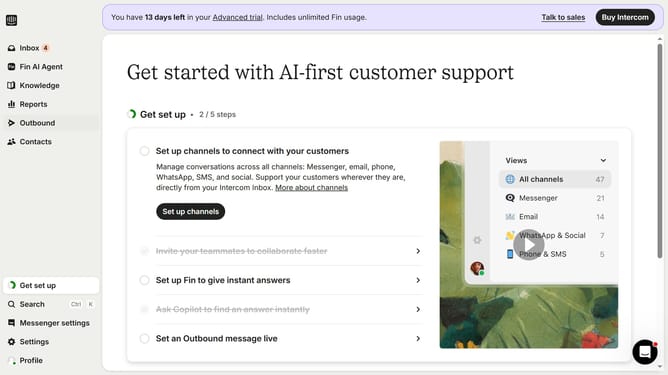
- First click on "Outbound" in the left sidebar menu
- Then click on the email item in the messages list
- Next click on the email template field to open the template selection dialog
- In the template selection modal click on the template you want to apply to your email
- Next click the "Use this template" button on the top-right corner of the template window panel
- Finally click the "Save and close" button in the top toolbar to apply changes to the email
Why should you change the email template in Intercom
Intercom is a powerful platform designed to facilitate personalized customer communication.
One of its standout features is the ability to change email templates, which enables you to enhance the effectiveness and personalization of your customer interactions.
Customizing your email templates allows your business to maintain brand consistency and engage recipients with tailored messaging, ultimately improving communication outcomes.
This feature not only streamlines email management but also elevates your customer experience, ensuring each communication is impactful and relevant.
Last update