How to create an email in Intercom
Here is how to create an email in intercom
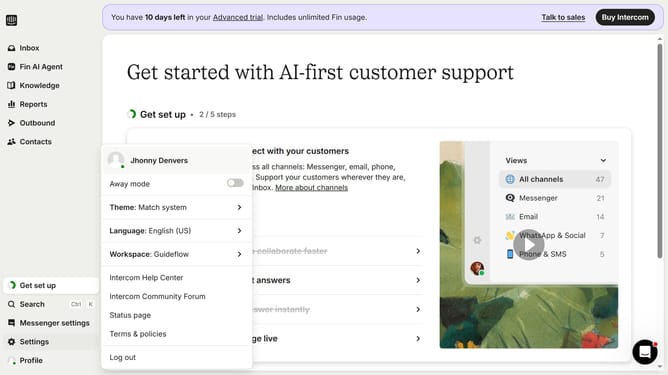
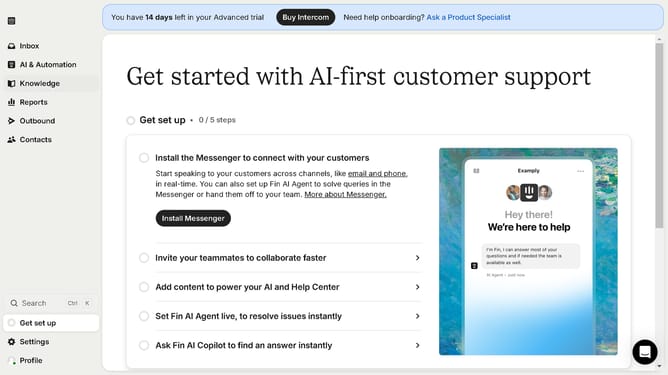
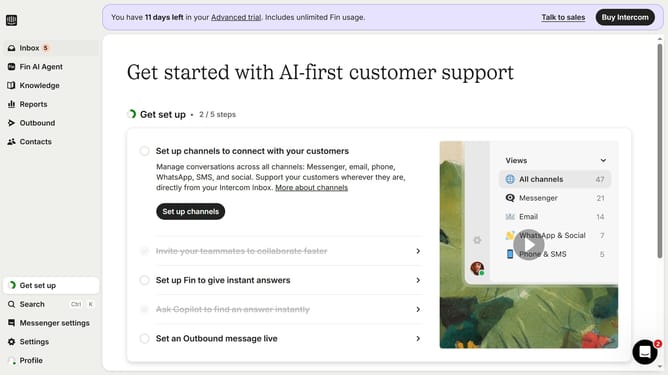
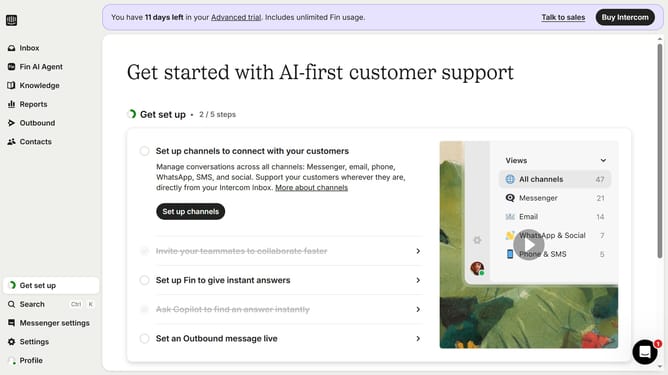
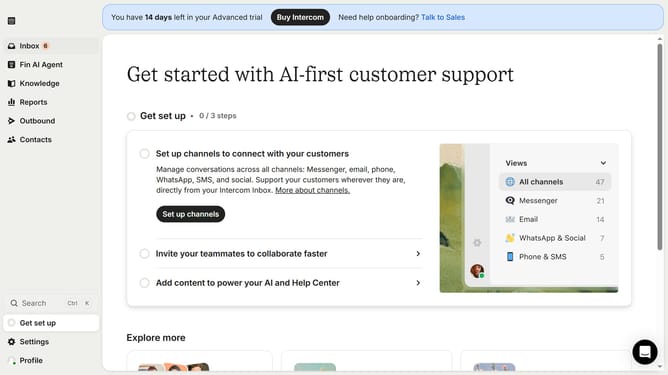
- First click on the "Get set up" button in the left sidebar to begin the setup process
- In the top toolbar, click on the "New message" button to create a new message
- In the template selection modal window, select the "Email" template from the available options
- Click on the empty title field in the email editor header to name your email draft
- Finally click the "Save and close" button in the top toolbar to save your email before sending
Why should you create an email in Intercom
Intercom is a powerful platform designed to facilitate seamless customer communication for businesses.
Creating an email in Intercom is a straightforward process that empowers businesses to reach out to their customers with personalized and timely messages.
By using this feature, businesses can foster stronger customer relationships and increase engagement by sending targeted email campaigns.
The ease and efficiency of creating emails in Intercom streamline communication efforts, making it simpler to maintain a consistent customer outreach strategy.
Last update