How to create a public article on Intercom
Here is how to create a public article on intercom
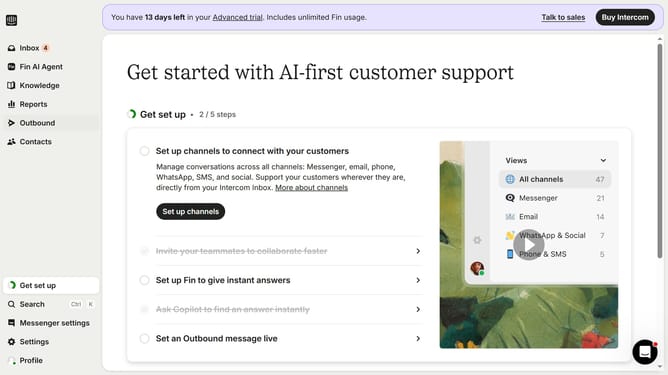
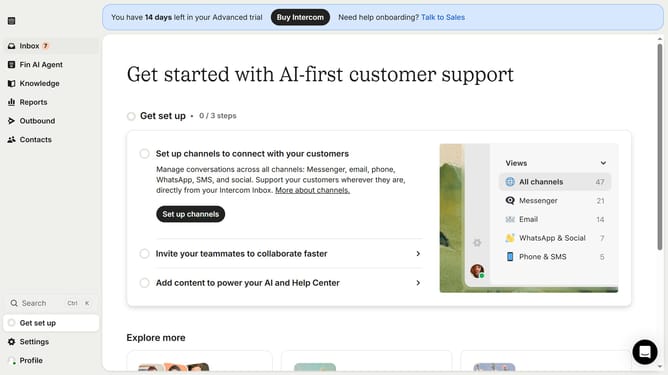
- First click on the "Knowledge" item in the left sidebar
- Then click on the "New content" button in the top toolbar
- Next click on the "Public article" option in the content creation modal
- Click on the "Public article" header section to begin editing
- Finally click on the "Save as draft" button again to confirm saving
Why should you create a public article on Intercom
Intercom is a powerful platform designed for seamless customer communication and support.
Creating a public article on Intercom is a fantastic way to share knowledge and insights with your audience efficiently. By showcasing expertise and providing valuable information, businesses can foster stronger relationships with their customers.
Public articles help enhance your company's visibility and brand trust online, making them a vital component of effective customer engagement strategies.
Last update