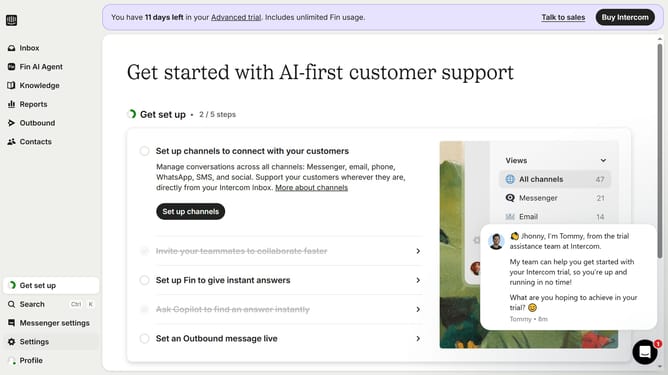
How to link a back-office ticket to a conversation in Intercom
Here is how to link a back-office ticket to a conversation in intercom
- First click on the "Inbox" item in the left sidebar
- Click the conversation you want to link a back-office ticket
- Click the "Back-office tickets" option in the Links section of the right sidebar
- Select the back-office ticket from the dropdown menu
- Finally click the "Create ticket" button in the ticket creation dialog
Why should you link a back-office ticket to a conversation in Intercom
Intercom is a powerful communication platform designed to streamline customer interactions and enhance support efficiency.
Linking a back-office ticket to a conversation in Intercom brings together the essential details of a customer inquiry with the operational side of support management.
This feature enables easy tracking of the resolution process, ensuring that every support request is addressed systematically.
By connecting tickets to conversations, teams can collaborate better, optimize workflow, and provide seamless customer service.
Last update