How to change the ticket state to "In Progress" in Intercom
Here is how to change the ticket state to "in progress" in intercom
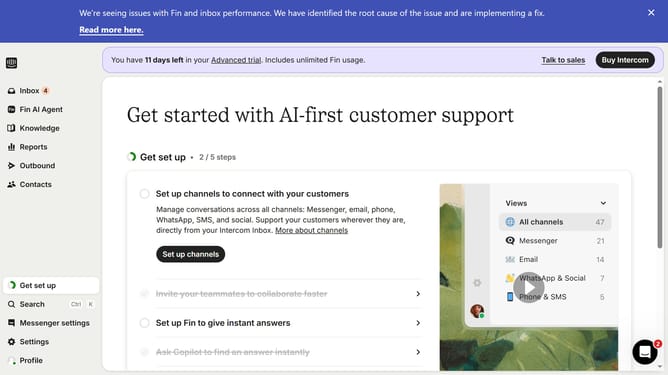
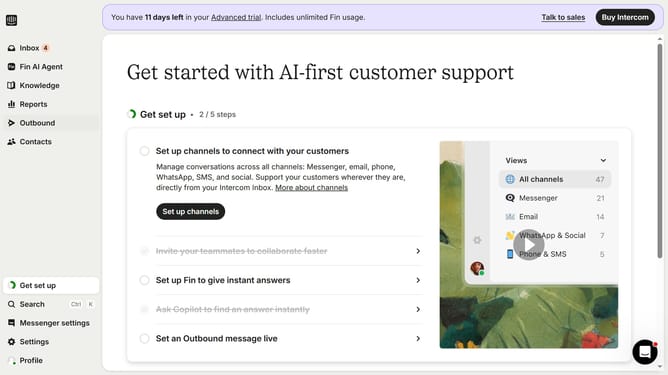
- First click on the "Inbox" option in the left sidebar
- Then click on the ticket in the conversation list
- Next click on the "State" button in the top menu bar
- Finally select "In progress" from the ticket state dropdown menu
Why should you change the ticket state to "In Progress" in Intercom
Intercom is a versatile platform designed to enhance customer communication and streamline support operations.
Changing the ticket state to "In Progress" in Intercom is a simple yet powerful feature that helps manage workflow efficiently.
This feature enables the support team to prioritize tasks, ensuring that customer queries are addressed promptly and not overlooked.
By clearly marking tickets as "In Progress," team members can easily track the status, fostering better collaboration and maintaining high-quality customer service.
Last update