How to add multiple office hours in Intercom
Here is how to add multiple office hours in intercom
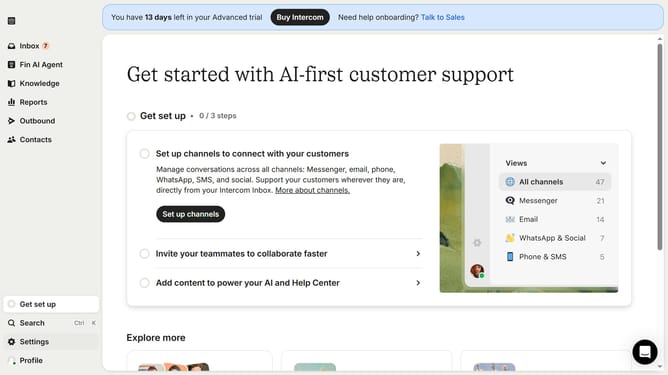
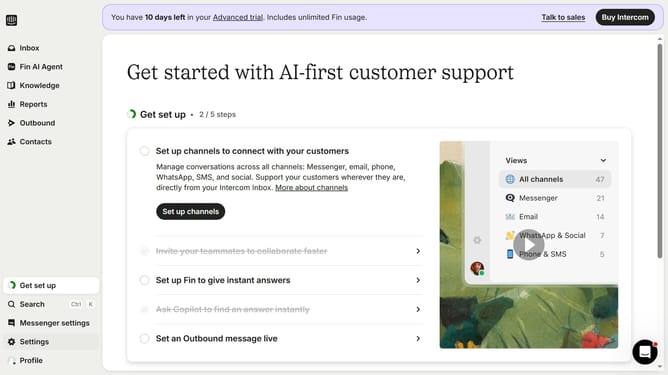
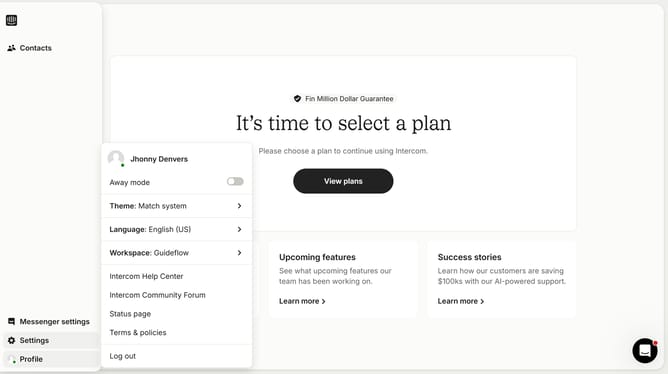
- First click on the "Settings" button in the left sidebar menu
- Then click on the "Workspace" section in the settings menu
- Next click on the "Office hours" option in the workspace submenu
- Finally, click the "Add hours" button in the office hours panel to add as many time slots as you need
Why should you add multiple office hours in Intercom
Intercom is a versatile customer communication platform designed to streamline and enhance interaction with your users.
By adding multiple office hours in Intercom, you can align your availability with your team’s diverse schedules across different time zones, ensuring seamless communication with customers worldwide.
This feature facilitates better customer support by allowing teams to manage inquiries efficiently, enhancing both customer experience and satisfaction by reducing response times.
Incorporating multiple office hours reflects a company's commitment to being accessible and attentive, fostering trust and loyalty among clients.
Last update