How to delete trusted links in Intercom
Here is how to delete trusted links in intercom
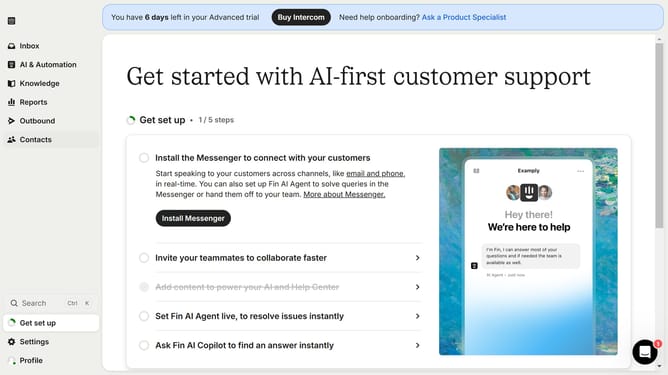
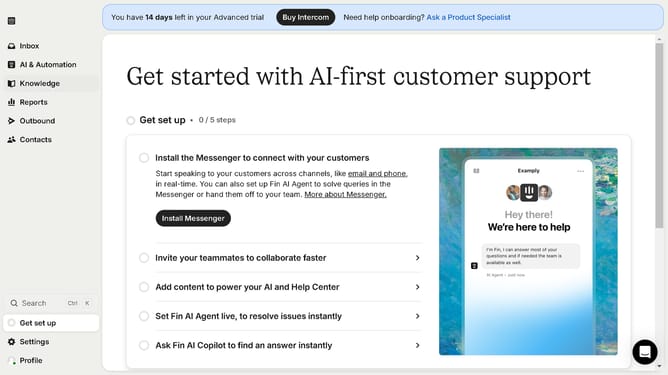
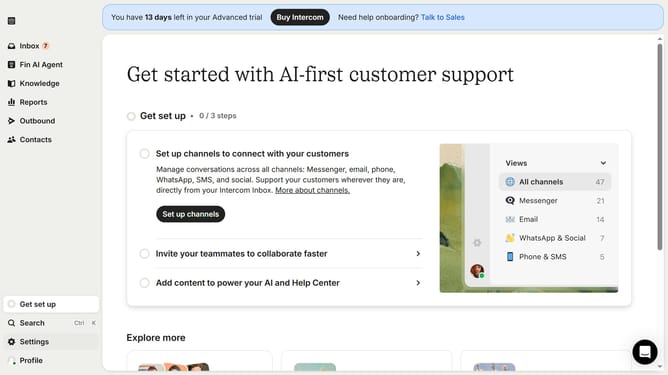
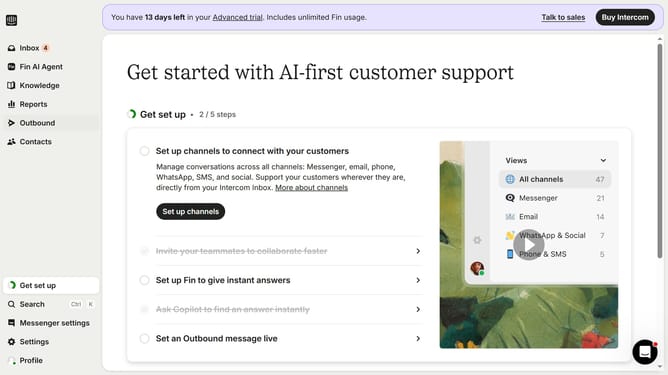
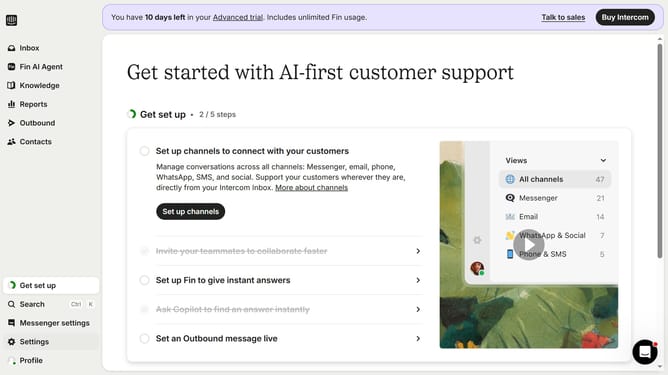
- First click on "Settings" in the left sidebar menu
- Then click on "Workspace" section in the Settings menu
- Next click on "Security" option under the Workspace submenu
- Then click on "Links" option in the Security settings panel
- Click on the "Delete" icon (trash bin) next to a trusted URL entry
- Finally click on "Delete policy" button in the confirmation dialog
Why should you delete trusted links in Intercom
Intercom is a powerful platform designed to streamline and enhance customer communication.
By learning how to delete trusted links in Intercom, you can maintain a cleaner, more organized workspace within the software. Removing outdated or irrelevant trusted links ensures that your team operates with the most up-to-date resources.
This feature supports data security and minimizes clutter, making it easier for everyone to access the right information quickly.
Ultimately, managing trusted links effectively contributes to a more efficient and responsive customer communication experience.
Last update