How to send a Post during a specific time in Intercom
Here is how to send a post during a specific time in intercom
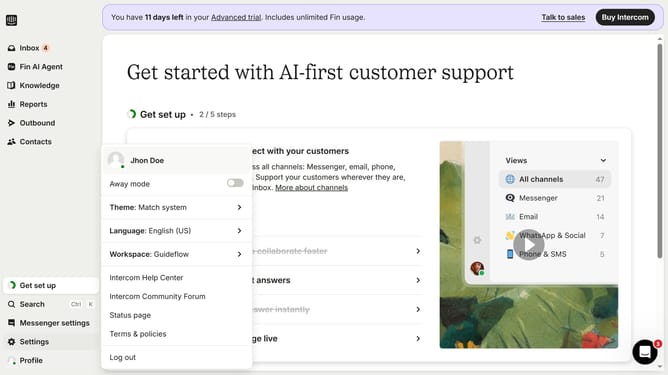
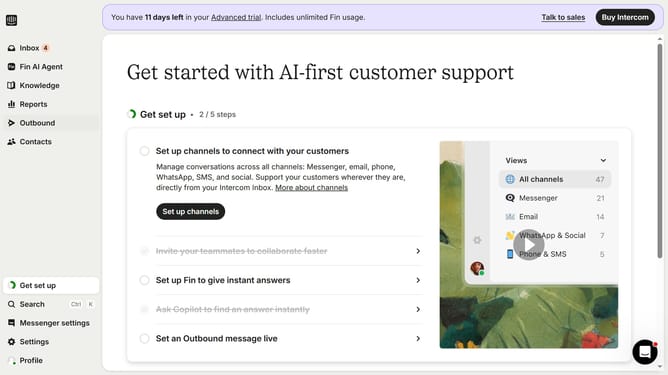
- First click on "Outbound" in the left sidebar menu
- Then click on "New message" button in the top right corner
- Next click on "Post" template option from the available message types
- Then click on "Frequency and scheduling" dropdown in the message settings
- Next click on "on any day, any time" dropdown to modify the sending schedule
- Then select "At custom times" option from the scheduling dropdown menu
- Finally click on the time grid to select specific sending times in the custom schedule
Why should you send a Post during a specific time in Intercom
Intercom is a powerful platform that enhances customer communication and engagement.
Scheduling a Post for a specific time in Intercom allows for optimal message delivery when your audience is most active. This feature offers the flexibility to align posts with different time zones, ensuring no customer is left out.
By timing your posts strategically, you enhance visibility and engagement rates. It helps maintain a consistent communication flow with customers, ultimately improving overall interaction efficiency and customer satisfaction.
Last update