How to save an edit in a workflow in Intercom
Here is how to save an edit in a workflow in intercom
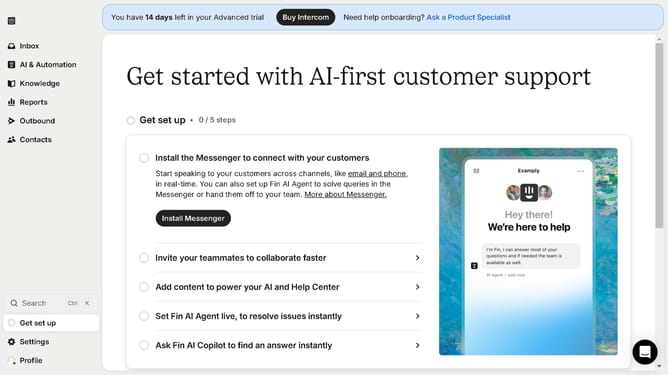
- First click on "AI & Automation" in the left sidebar menu
- Then click on "Workflows" in the left sidebar submenu
- Next click on workflow item in the workflows list
- In the workflow builder, click on the "Add step" button in the right panel to begin adding a new step to your automation
- Then click on the step to include into your workflow
- Finally click on the "Save" button in the top toolbar to save your workflow configuration
Why should you save an edit in a workflow in Intercom
Intercom is a powerful tool that facilitates personalized customer communication at scale.
Saving an edit in a workflow in Intercom is a seamless process that enhances efficiency. By keeping your edits secure, it ensures consistency across communication strategies.
This feature not only boosts productivity but also brings reliability to your operations. It allows you to maintain a streamlined workflow, which is essential in dynamic team environments.
Ultimately, this ensures a polished and professional client interaction, every single time.
Last update