How to publish a public article on Intercom
Here is how to publish a public article on intercom
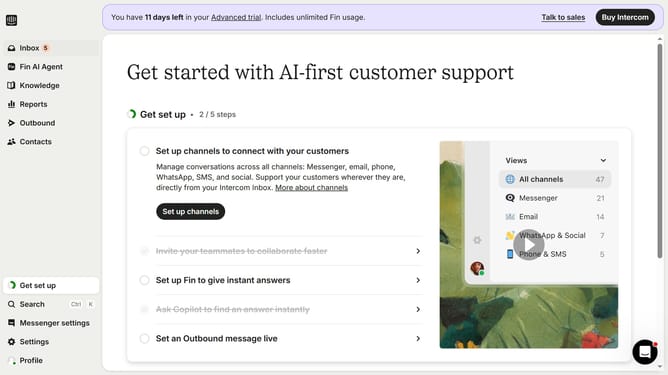
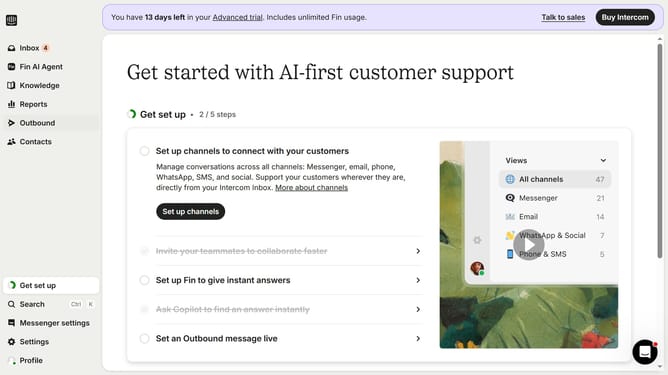
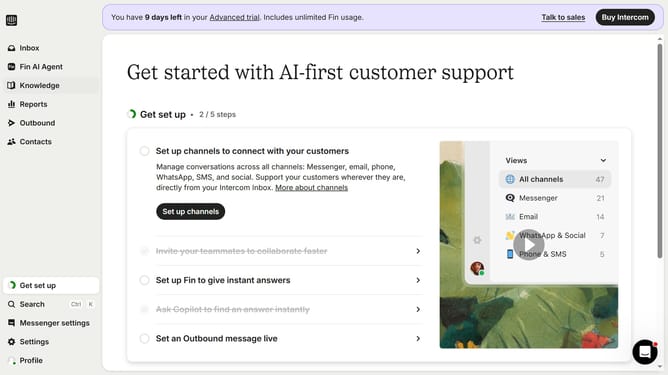
- First click on the "Knowledge" item in the left sidebar
- Then click on the "Content" section in the left sidebar navigation
- Next click on the article in the content list
- Click the "Publish" button in the top right corner of the article editor
- Click on the dropdown menu in the publish dialog
- Select the Help Center collection you want to put your article from the dropdown options
- Click the "Publish article" button in the publish dialog
- Finally click on "Go to Help Center" in the confirmation dialog
Why should you publish a public article on Intercom
Intercom is a customer communication platform that helps businesses connect and engage with their audience effectively.
Publishing a public article on Intercom allows you to share valuable information, insights, and updates directly with your customers.
This feature is an excellent way to enhance your brand's visibility and establish authority in your field.
By making articles public, you not only reach a wider audience but also provide easily accessible help and insights, boosting customer satisfaction and retention.
Last update