How to add title to outbound email message on Intercom
Here is how to add title to outbound email message on intercom
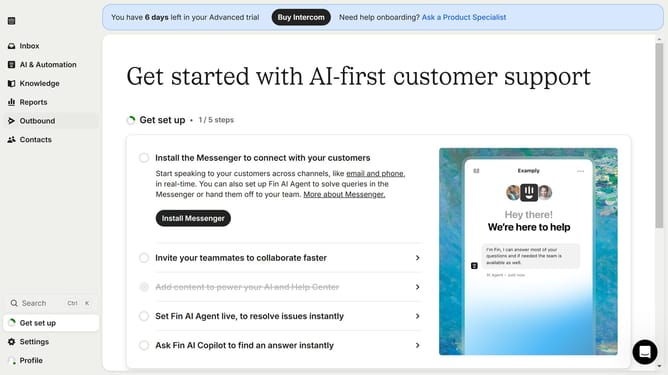
- First click on "Outbound" in the left sidebar
- Then click on your message in the list of messages
- Next click on the "Edit" button
- Then click on the "Untitled" message and enter your preferred message title
- Finally click on the "Save and close" button
Why should you add title to outbound email message on Intercom
Intercom is a dynamic platform designed to enhance communication with customers through personalized messaging.
Adding a title to an outbound email message on Intercom helps clarify the intention and content of your communication.
This feature strengthens your message by immediately providing recipients with context, improving open rates and engagement.
Using this tool fosters clarity and ensures a professional approach, enhancing overall communication effectiveness.
Last update