How to remove a teamate in a team inbox on Intercom
Here is how to remove a teamate in a team inbox on intercom
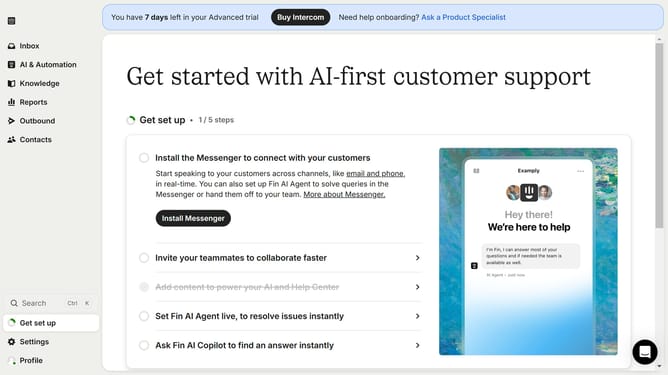
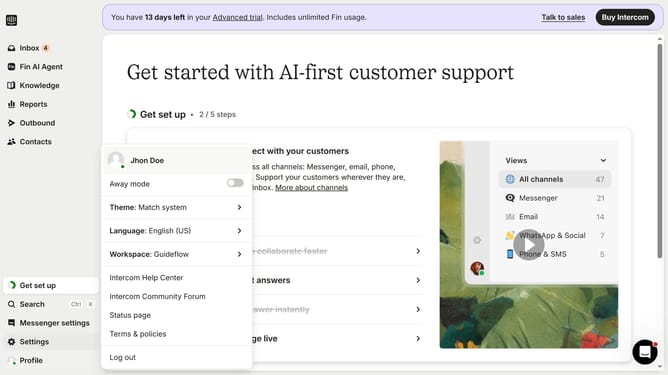
- First click on "Settings" in the left sidebar
- Then click on "Inbox" in the left sidebar
- Next click on "Team inboxes" in the left sidebar
- Then click on the team inbox that you want to manage
- Next click on the "Remove" button next to the member you want to delete
- Finally click on the "Save" button to confirm the changes
Why should you remove a teamate in a team inbox on Intercom
Intercom is a versatile communication platform designed to boost customer engagement and streamline support operations.
Within Intercom's team inbox, knowing how to remove a teammate is a practical feature aimed at maintaining optimal team efficiency.
Removing a team member ensures your team is lean, preventing confusion and enhancing focus on current priorities and active contributors.
Overall, leveraging this feature not only optimizes your workflow but also encourages effective resource management, aligning your team's capabilities with its goals.
Last update