How to adjust the default office hours in Intercom
Here is how to adjust the default office hours in intercom
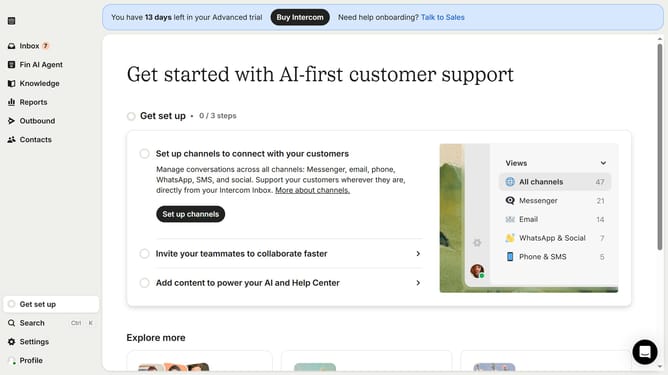
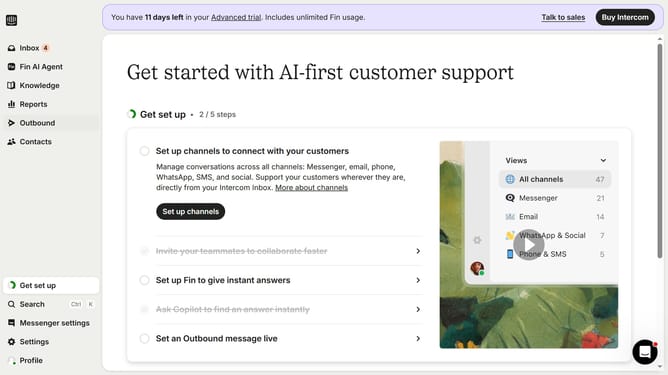
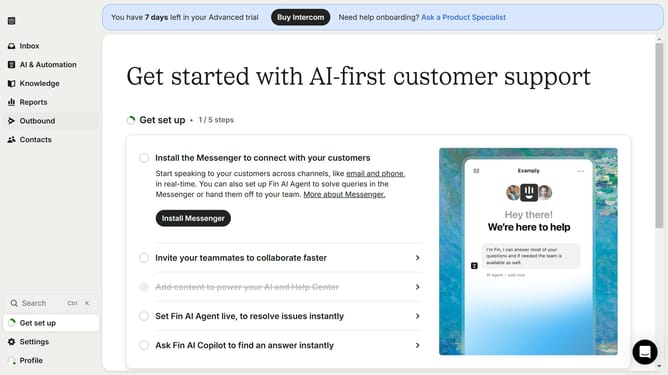
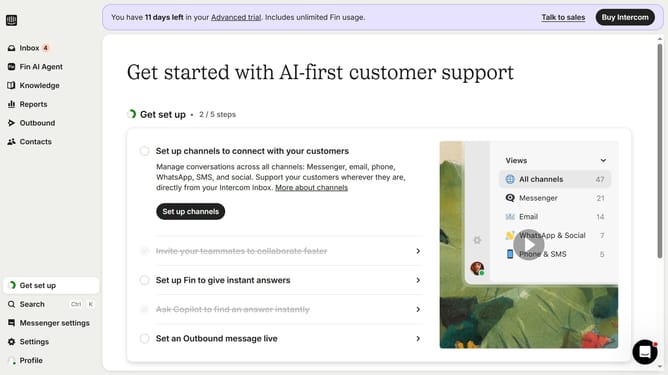
- First click on the "Settings" option in the left sidebar menu
- Next click on the "Workspace" section in the settings menu
- Then click on the "Office hours" option within the workspace settings
- Finally click on the "Office hours" dropdowns to configure your workspace's availability schedule
Why should you adjust the default office hours in Intercom
Intercom is a versatile platform designed to enhance customer communication by streamlining interactions between businesses and clients.
Adjusting the default office hours in Intercom is a powerful feature that tailors your availability, ensuring your team aligns with customer expectations more effectively. By customizing office hours, you can manage customer inquiries smoothly, providing a structured approach to address questions and support needs during business hours.
This feature fosters an improved customer experience by setting clear expectations about when your team is available, which can lead to better satisfaction and more efficient service.
Last update