How to send a scheduled news in Intercom
Here is how to send a scheduled news in intercom
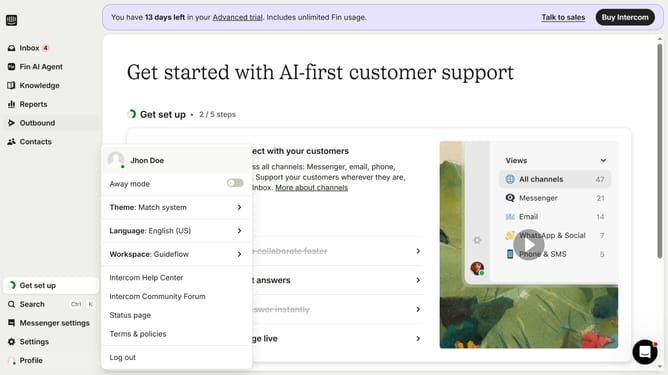
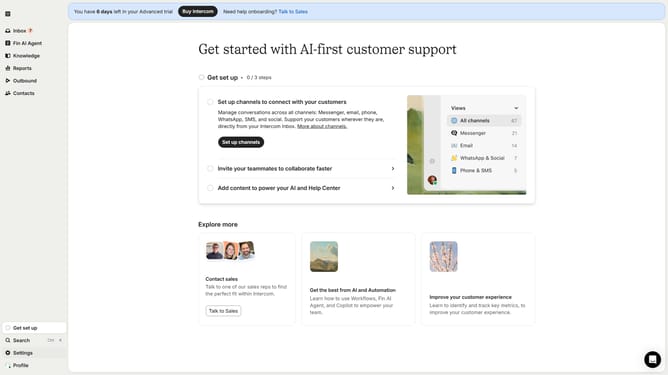
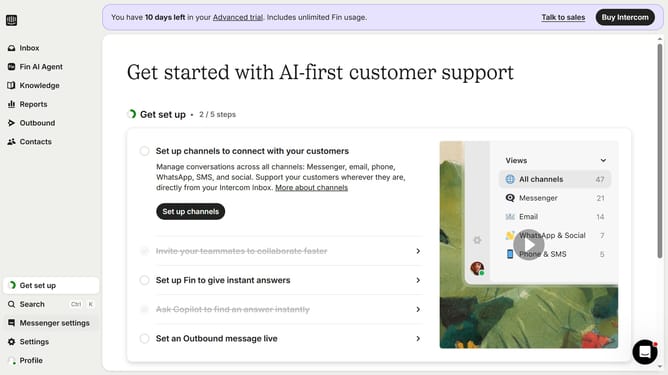
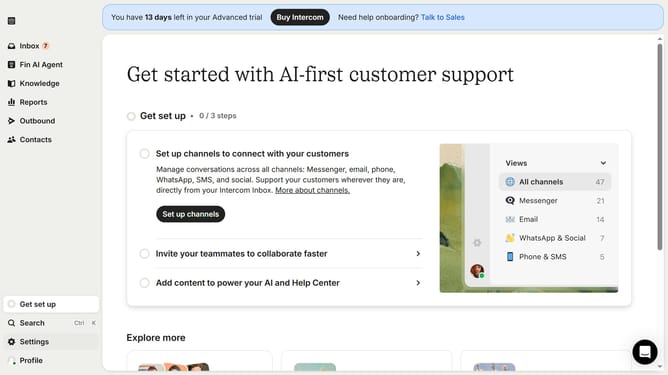
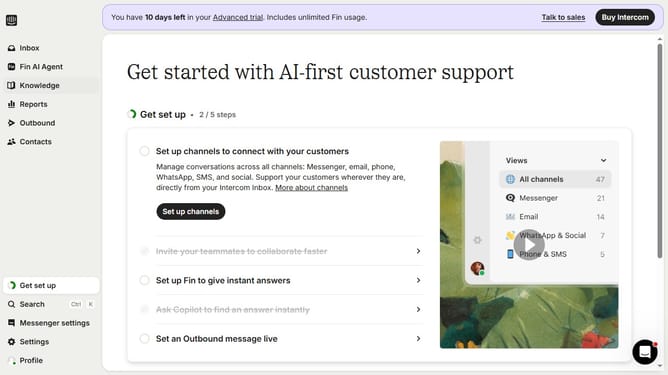
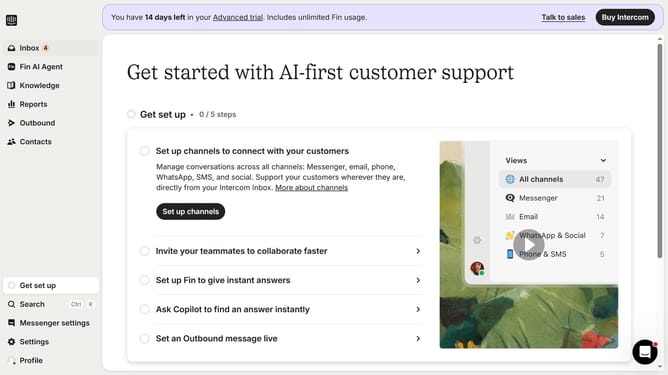
- First click on "Outbound" in the left sidebar menu
- Then click on "New message" button in the top-right corner of the screen
- Select "News" template from the template options menu
- Click on the "Scheduling" dropdown in the message settings area
- Select "Custom date" radio button in the scheduling options
- Finally select the date and time you want to send the news in the custom date picker
Why should you send a scheduled news in Intercom
Intercom is a powerful platform designed to enhance customer communication through personalized messaging.
One of its standout features is the ability to send scheduled news updates, allowing businesses to strategically share important information at optimal times.
Scheduling news in advance empowers teams to maintain consistent engagement, ensuring messages reach audiences when they're most attentive. This proactive approach fosters timely communication, enhancing overall customer experience and demonstrating your commitment to staying connected.
Last update