How to restore an archived back-office ticket type in Intercom
Here is how to restore an archived back-office ticket type in intercom
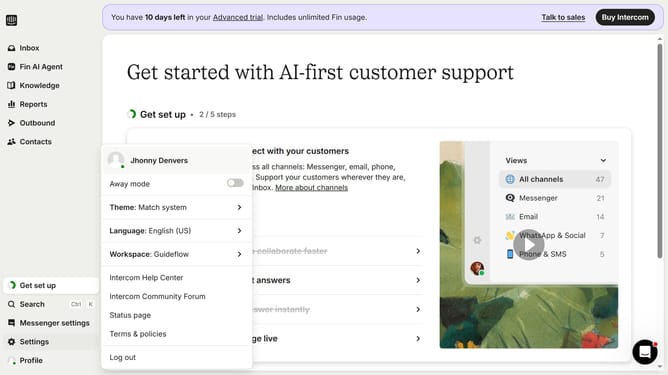
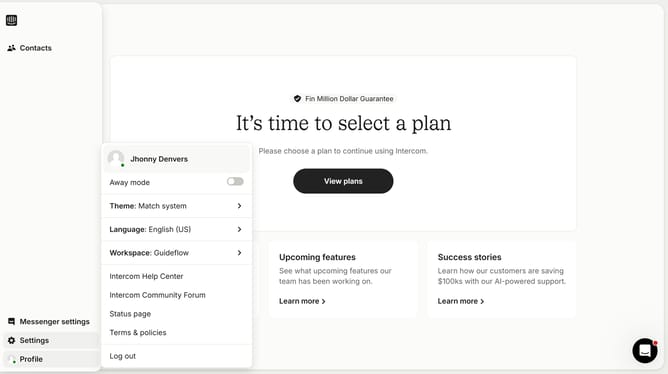
- First click on "Settings" in the left sidebar menu
- Then click on "Inbox" option in the settings menu
- Next click on "Tickets" item under the Inbox section
- Then select "Live" dropdown filter in the ticket types view
- Next click on "Archived" option in the Live dropdown menu
- Finally click on the "Restore" button next to the back-office ticket type
Why should you restore an archived back-office ticket type in Intercom
Intercom is a powerful platform designed to streamline customer communication and support.
Restoring an archived back-office ticket type in Intercom helps maintain seamless operations by ensuring all ticket types remain relevant and accessible. This feature is particularly beneficial for teams needing to revisit past ticket types, allowing them to adapt quickly to evolving customer needs and workflow adjustments.
By leveraging this capability, businesses enhance their support efficiency and preserve the continuity of their customer service process.
Last update