How to enable lead email identification in Intercom
Here is how to enable lead email identification in intercom
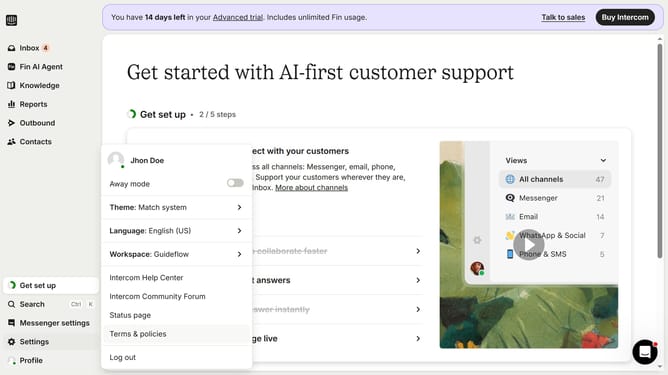
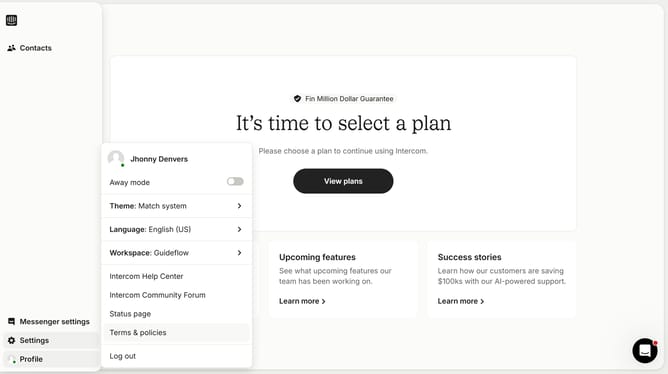
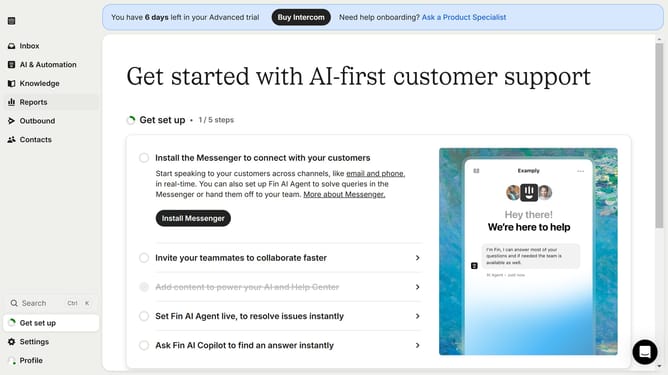
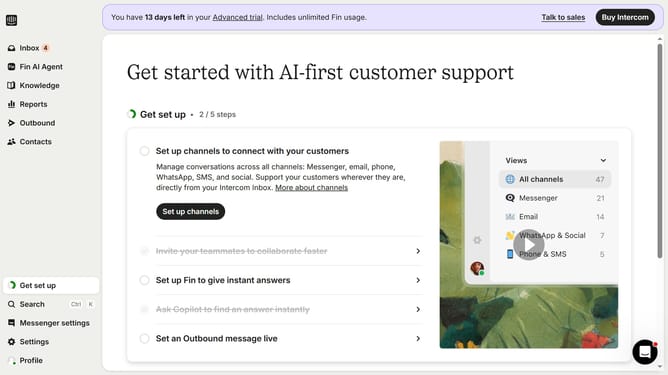
- First click on the "Settings" button in the left sidebar menu
- Then click on the "Workspace" option in the settings menu
- Next click on the "Security" item in the workspace submenu
- Then click on the "Data Security Settings" option from the security section
- Finally click on the "Enable email identification for leads" checkbox to enable the feature
Why should you enable lead email identification in Intercom
Intercom is a powerful platform designed to streamline customer communications and enhance engagement.
Enabling lead email identification in Intercom ensures that you can effectively track and manage potential customers. This feature allows for accurate lead profiling by capturing email addresses, enriching lead data for more personalized interactions.
Utilizing this feature improves targeting and boosts the likelihood of conversion by fostering tailored communication strategies. Additionally, it aids in maintaining organized and effective lead funnels, ensuring that no opportunities are missed.
Last update