How to start a conversation on Intercom
Here is how to start a conversation on intercom
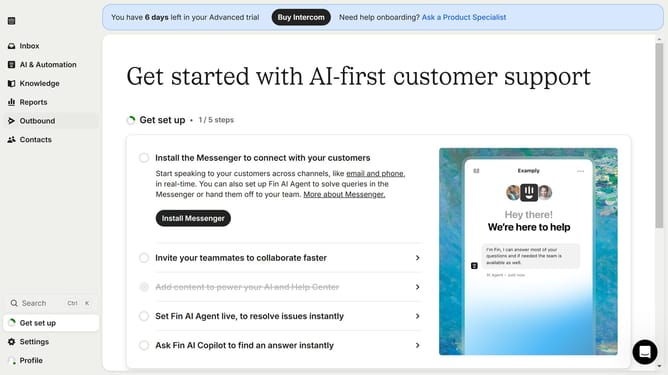
- First click on "Reports" in the left sidebar menu
- Then click the "Add" button in the Reports header area
- Next click on the "Conversation" option in the report templates modal
- Then click the "Use this template" button in the top-right corner to confirm creation
- Next click on the title field and enter the title of the created conversation report
- Then click the "Save" button in the report editor toolbar
- Finally click "Confirm" button in the sharing modal
Why should you start a conversation on Intercom
Intercom is a versatile communication platform designed to connect businesses and customers seamlessly.
Starting a conversation on Intercom is straightforward and intuitive, providing users with a simple way to engage audiences effectively. This feature facilitates instant communication, making it effortless to address queries and enhance customer satisfaction.
Using Intercom's conversation feature enhances user experience by offering real-time interaction, fostering stronger relationships, and driving engagement through meaningful dialogues.
Last update