How to send News during a specific time in Intercom
Here is how to send news during a specific time in intercom
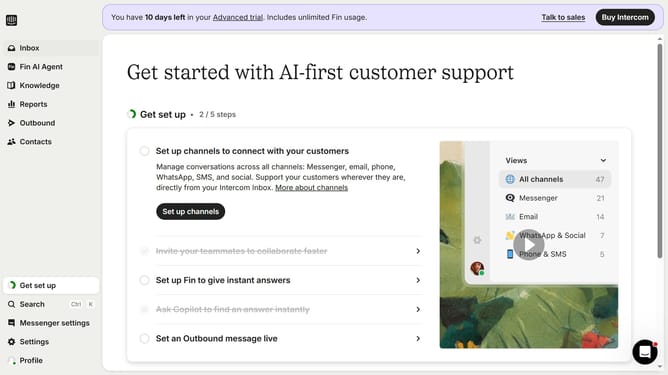
- First click on "Outbound" in the left sidebar navigation menu
- Then click on "New message" button in the top right corner of the Messages section
- Next click on "News" template in the template selection modal
- Then click on "Scheduling" section at the bottom of the message composer
- Next click on "Custom times" option in the scheduling settings
- Finally click on the time schedule grid to set specific delivery times
Why should you send News during a specific time in Intercom
Intercom is a versatile customer communication platform designed to enhance engagement and boost customer interaction.
Sending News at a specific time in Intercom allows businesses to strategically reach their audience with timely updates. This feature optimizes message delivery by ensuring your news meets your audience when they are most likely to engage.
Using scheduled News can increase open rates and improve customer satisfaction by delivering content when it's most convenient. This capability enhances communication efficiency, aligning with your audience’s schedule and maximizing engagement.
Last update