How to create a new folder for articles on Intercom
Here is how to create a new folder for articles on intercom
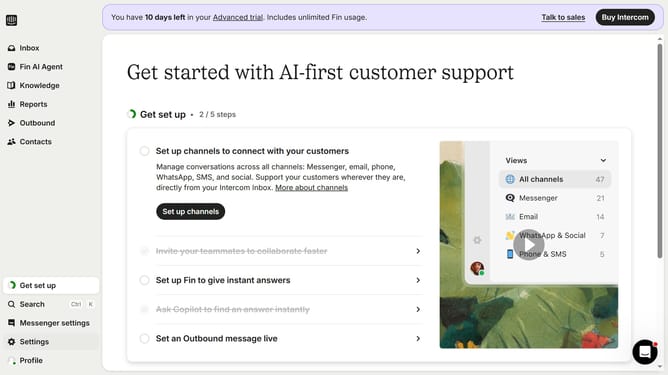
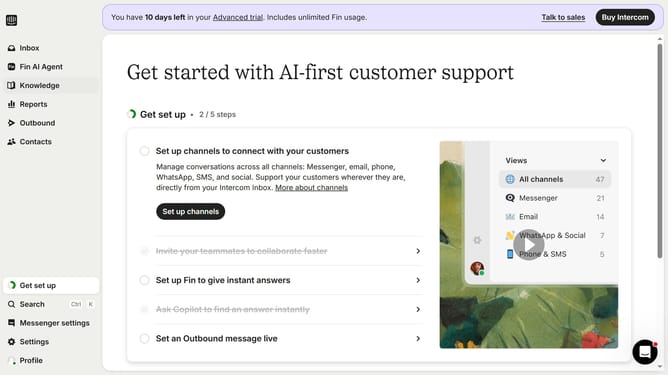
- First click on "Knowledge" item in the left sidebar
- Then click on "Article" item in the left sidebar
- Then click on the "New folder" button in the main content
- Next, enter the folder name into the "Enter a name for your subfolder" input field
- Finally click on the "Create subfolder" button
Why should you create a new folder for articles on Intercom
Intercom is a powerful platform designed to enhance customer relationships through conversational and personalized experiences.
Creating a new folder for articles on Intercom streamlines your content organization, ensuring easy access and improved management.
This feature allows you to neatly categorize articles, making it simpler for your team to locate specific information quickly.
Utilizing folders optimizes your workflow, enhances team collaboration, and contributes to a more efficient customer support system, ultimately elevating customer satisfaction.
Last update