How to set holidays and closure hours on Intercom
Here is how to set holidays and closure hours on intercom
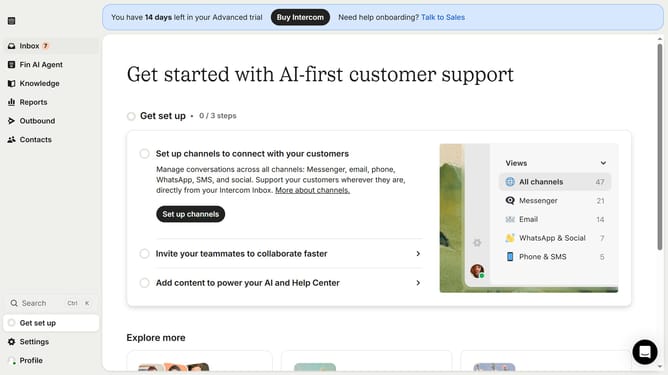
- First click on "Settings" item in the left sidebar
- Then click on "Office hours" in the Workspace section
- Then click on "Add holiday or closure" button
- Then click on the date input field and enter your preferred date
- Then click on the name input field and enter the holiday name
- Finally click on "Add exception" button
Why should you set holidays and closure hours on Intercom
Intercom is a dynamic customer communication platform designed to connect businesses with their clients seamlessly.
Setting holidays and closure hours on Intercom is an efficient feature that ensures your customer support operates smoothly even during off days. It enables businesses to manage client expectations and provide automated responses when the team isn't available.
This feature enhances customer satisfaction, as it ensures transparency about availability. It also helps your team focus on tasks without being tied to constant communication, leading to better productivity and workplace balance.
Last update