How to set post format on Intercom
Here is how to set post format on intercom
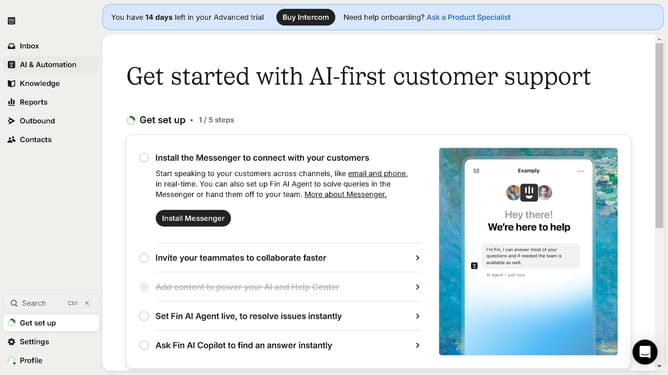
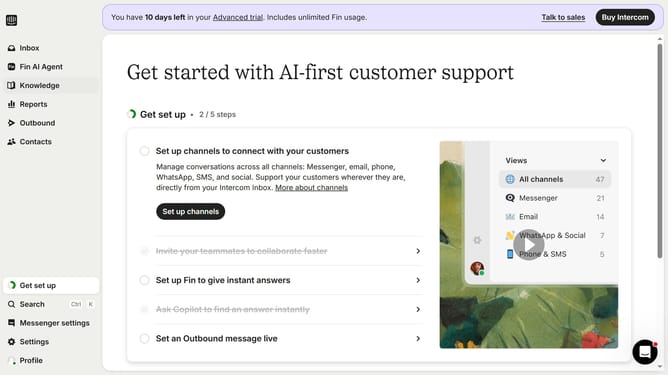
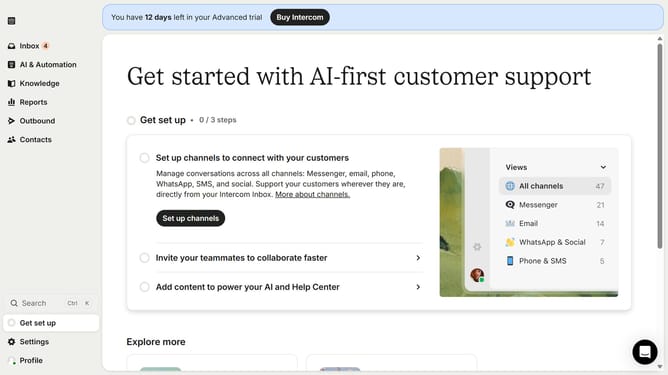
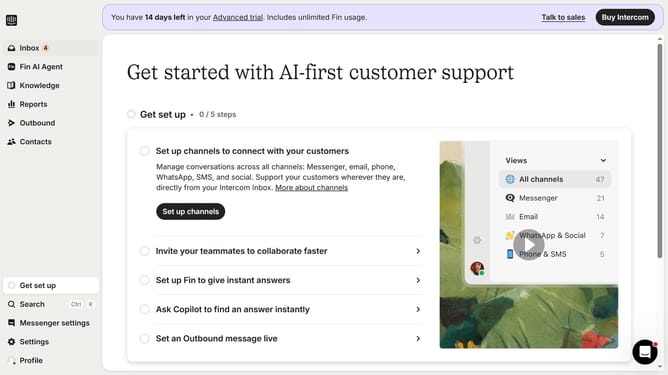
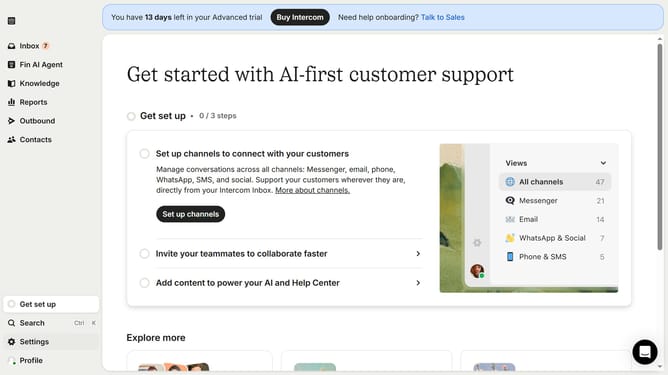
- First click on "Outbound" in the sidebar menu
- Then click on Post Message in the message list
- Click on the "Edit" button
- Select from the available format options from the left toolbar
- Finally click on the "Save and close" button
Why should you set post format on Intercom
Intercom is a powerful platform designed to enhance customer engagement through personalized communication.
Setting the post format on Intercom allows you to tailor your messages to better suit your audience, ensuring that your content is both relevant and engaging.
This feature provides flexibility in how you present your content, making it easier to connect with customers and improve their experience.
By customizing post formats, you can enhance the clarity of your communication, making it more effective in addressing user needs and boosting overall engagement rates.
Last update