How to disable the ticket state inbox filter in Intercom
Here is how to disable the ticket state inbox filter in intercom
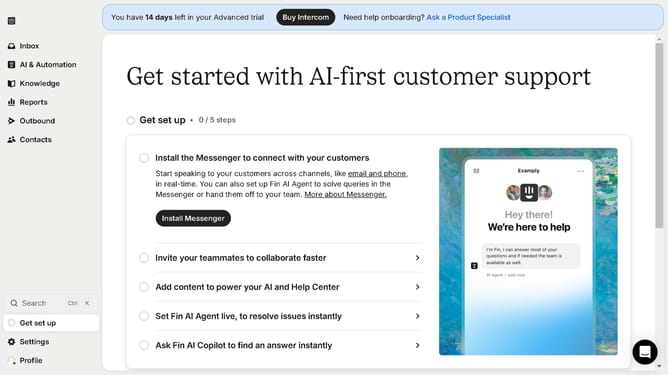
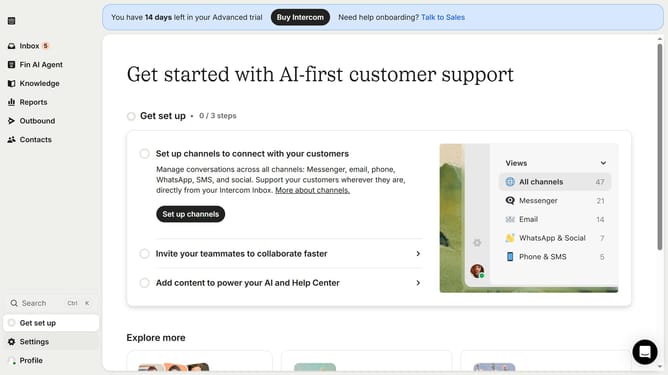
- First, click on the "Settings" option in the left sidebar menu
- Next, click on the "Inbox" item in the settings menu
- Then, click on the "Tickets" option under the Inbox submenu
- Now, click on the "Ticket states" tab in the tickets settings area
- Finally, click the toggle to turn off the "Enable ticket state filters in the inbox" option
Why should you disable the ticket state inbox filter in Intercom
Intercom is a powerful customer communication platform designed to enhance engagement and support.
Disabling the ticket state inbox filter in Intercom is a valuable feature that can streamline your workflow by allowing access to all conversations, regardless of their current status.
This flexibility is particularly beneficial for businesses looking to manage and prioritize interactions across their team without being bound by predefined states.
By optimizing visibility into all communication threads, users can ensure a more responsive and comprehensive customer service experience.
Last update