How to add an internal article to a folder in the Knowledge Hub on Intercom
Here is how to add an internal article to a folder in the knowledge hub on intercom
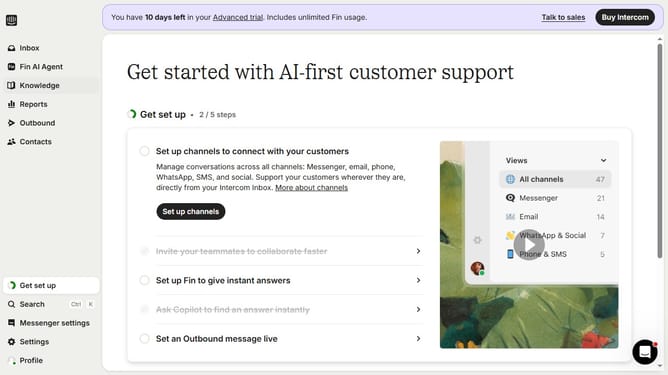
- First click on the "Knowledge" item in the left sidebar
- Then click on the "Internal Article" link in the content table
- Next click on the "Details" button in the top-right corner of the article
- Then click on the "Folder" dropdown in the right sidebar
- Next click on the folder option from the folder selection menu
- Finally click on the "Move" button to confirm moving the article
Why should you add an internal article to a folder in the Knowledge Hub on Intercom
Intercom is a powerful platform designed to enhance customer communication and engagement.
Adding an internal article to a folder in the Knowledge Hub on Intercom streamlines information management within a team. This feature promotes organization by categorizing articles, making them effortless to locate when needed.
Using folders enhances collaborative efforts, ensuring team members can easily access essential information, thereby improving efficiency and knowledge sharing. This structured approach ultimately fosters a more cohesive and informed organization.
Last update