How to enable cross-user conversation merging in Intercom
Here is how to enable cross-user conversation merging in intercom
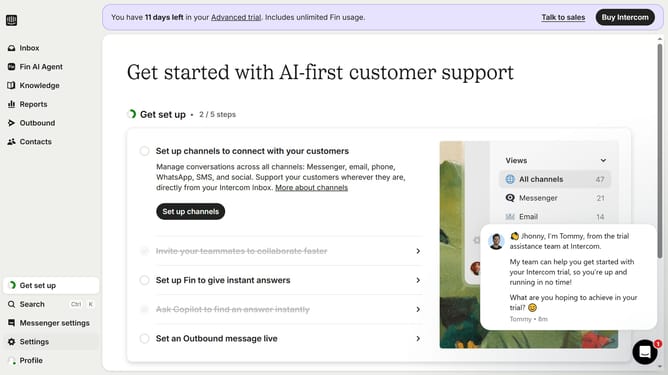
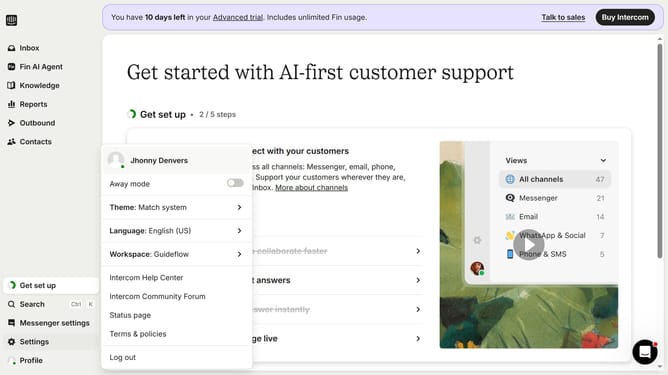
- First click on "Settings" in the left sidebar menu
- Then click on "Workspace" in the settings menu
- Next click on "Security" under the Workspace section
- Then click on "Data Security Settings" in the security options
- Next click on the "Enable cross-user conversation merging" checkbox
- Finally click on the "Save" button at the bottom of the page
Why should you enable cross-user conversation merging in Intercom
Intercom is a versatile customer communication platform designed to enhance user interactions.
By enabling cross-user conversation merging in Intercom, teams can streamline communication by consolidating multiple conversations into one cohesive thread.
This feature ensures that context is maintained across interactions, leading to a more organized and efficient support experience.
The ability to merge conversations minimizes confusion, saves time, and allows support teams to deliver personalized and faster service.
Last update