How to disable lead email identification in Intercom
Here is how to disable lead email identification in intercom
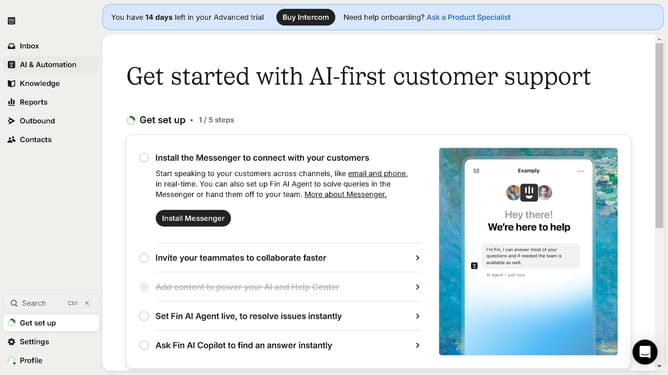
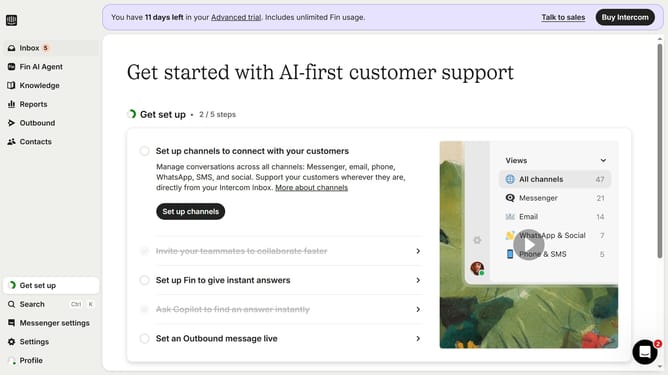
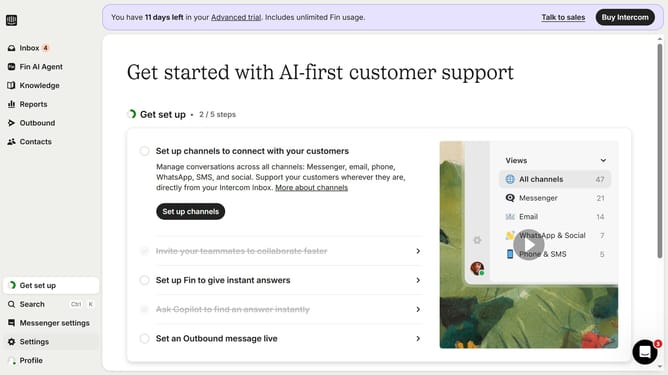
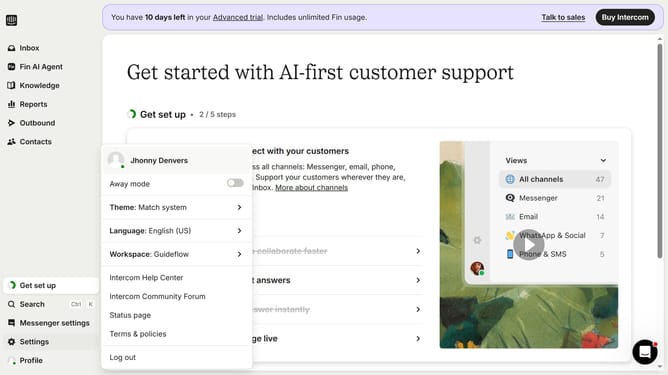
- First click on the "Settings" option in the left sidebar menu
- Then click on the "Workspace" item in the settings menu
- Next select the "Security" option under the Workspace section
- Then click on the "Data Security Settings" card in the main content area
- Finally uncheck the "Enable email identification for leads" checkbox in the Data Security Settings form
Why should you disable lead email identification in Intercom
Intercom is a powerful communication platform designed to streamline customer interaction and engagement effortlessly.
Disabling lead email identification in Intercom helps maintain user privacy while still enabling valuable insights. This feature is particularly useful for businesses aiming to enhance their ethical data practices.
With email identification turned off for leads, companies can focus on building trust and fostering more transparent relationships, emphasizing customer respect.
Utilizing this feature can lead to improved compliance with privacy regulations, ensuring a smoother experience for users and businesses alike.
Last update