How to create user tags from a conversation on Intercom
Here is how to create user tags from a conversation on intercom
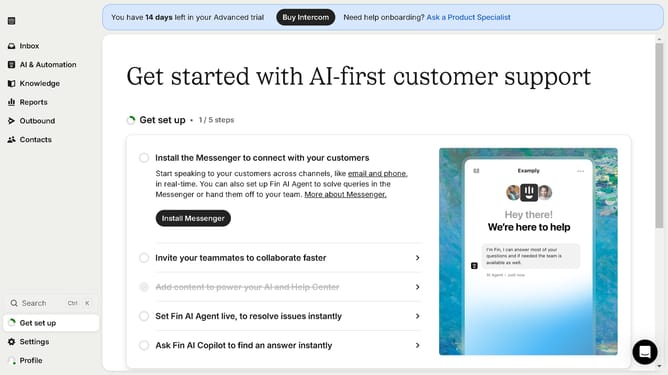
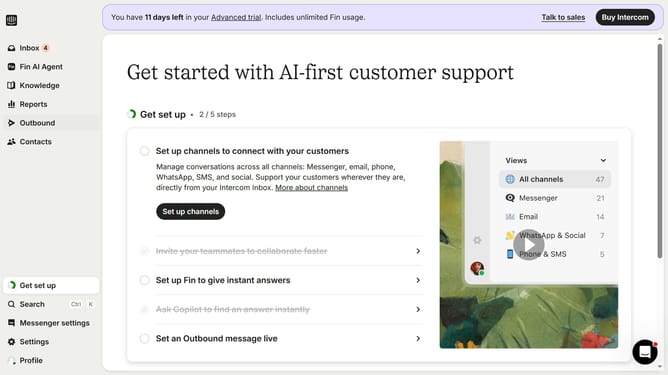
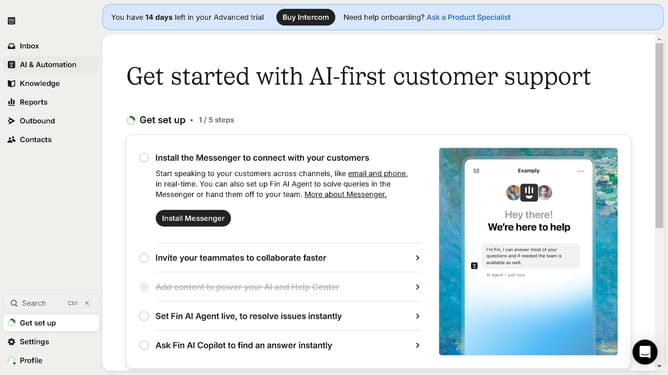
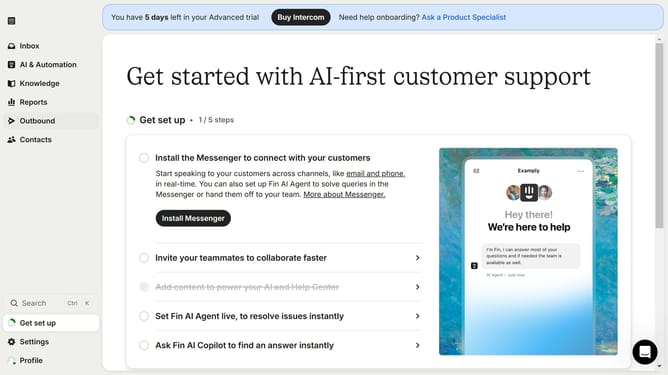
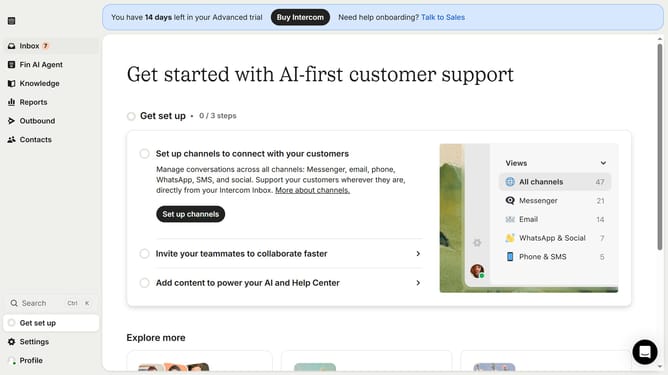
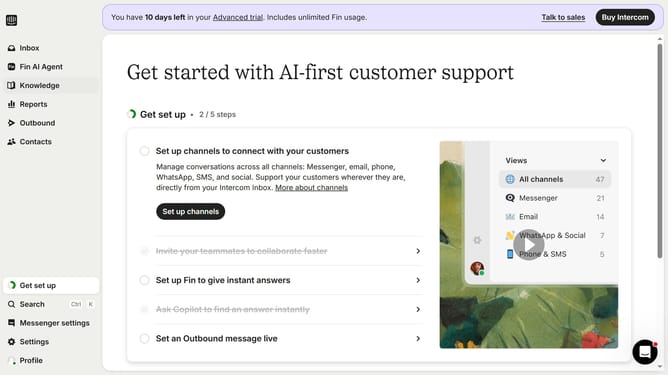
- First click on the "Inbox" tab on the left sidebar
- Then click on the message in the main content area
- Then click on the "+" icon next to "User tags"
- After that, select from the tag dropdown list
- Finally, click anywhere in the screen to save changes
Why should you create user tags from a conversation on Intercom
Intercom is a powerful platform designed to streamline communication between businesses and their customers.
Creating user tags from a conversation on Intercom allows businesses to categorize and group users based on their interactions, making customer management more efficient.
By utilizing user tags, teams can quickly identify user needs and tailor communications accordingly, leading to a more personalized customer experience.
This feature not only enhances customer satisfaction but also boosts team productivity by enabling a more organized approach to customer engagement.
Last update