How to check activity logs for for articles on Intercom
Here is how to check activity logs for for articles on intercom
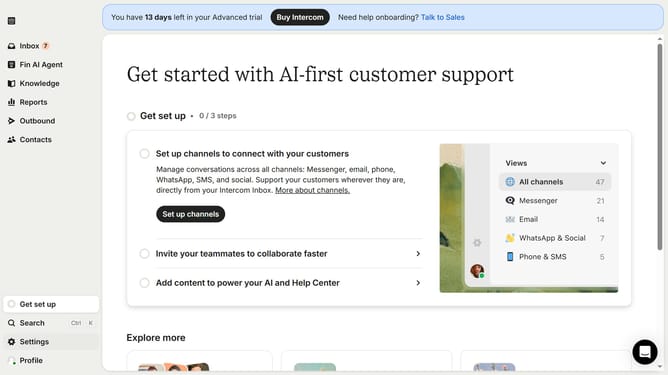
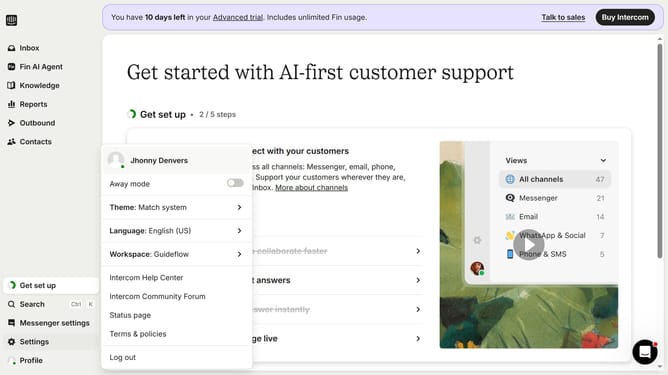
- First click on the "Settings" option in the left sidebar menu
- Then click on the "Workspace" section in the settings sidebar
- Next click on the "Teammates" option under the Workspace submenu
- Finally click on the "Activity logs" tab in the teammates management interface
Why should you check activity logs for for articles on Intercom
Intercom is an innovative platform designed to enhance customer communication and support.
Checking activity logs for articles on Intercom is an incredibly useful feature that enables you to monitor and understand interactions with your content.
This feature offers insights into how users engage with your articles, helping improve content strategies and ensuring information remains current and effective.
By leveraging these logs, you can optimize user experience and maintain proactive customer service management, reinforcing your communication strategy.
Last update