How to remove email from trusted senders in Intercom
Here is how to remove email from trusted senders in intercom
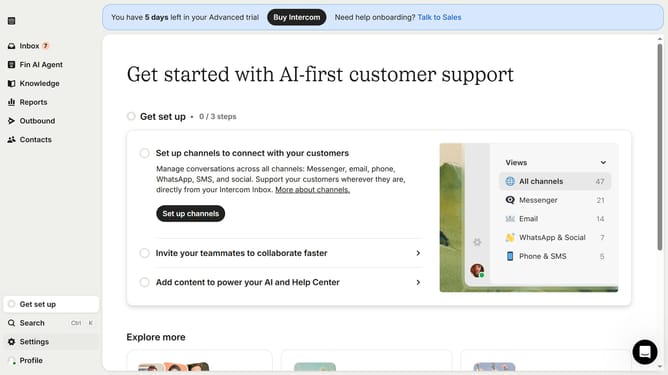
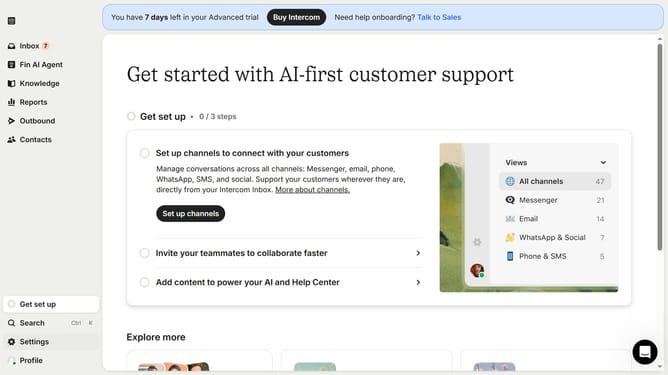
- First click on "Settings" link in the sidebar menu
- Then click on "Channels" item in the sidebar menu
- Next, select "Email" from the list of channels in the sidebar menu
- Then click on "Email settings" button
- After that, click on "Configure trusted senders" button
- Finally click on the trash icon to delete the email
Why should you remove email from trusted senders in Intercom
Intercom is an innovative platform designed to enhance customer communication and relationship management.
Removing an email from trusted senders in Intercom is a straightforward feature that offers significant benefits. This feature allows businesses to maintain a refined and relevant contact list, ensuring only pertinent communications make it to the forefront.
By evaluating and adjusting the list of trusted senders, companies can enhance their communication strategies and protect against potential spam, maintaining a high standard of interaction quality.
Last update