How to align click button in internal article on Intercom
Here is how to align click button in internal article on intercom
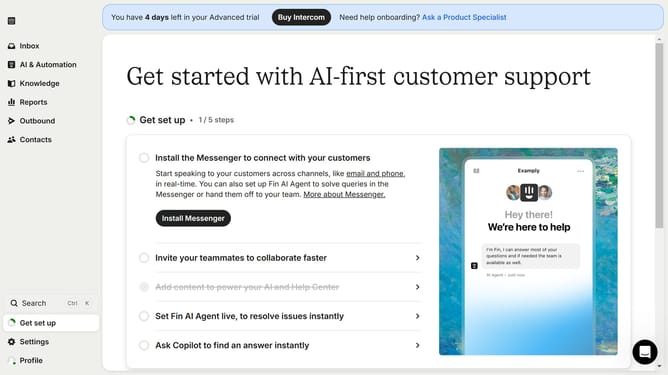
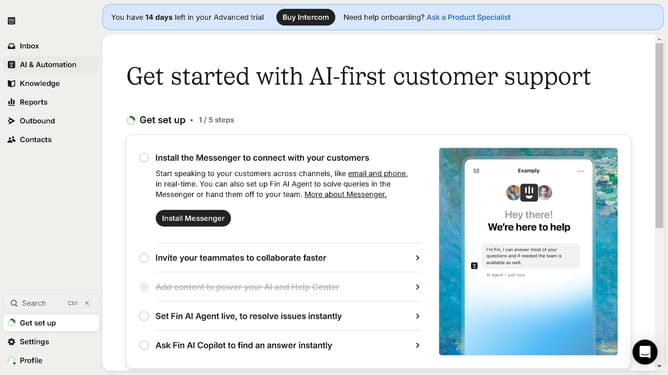
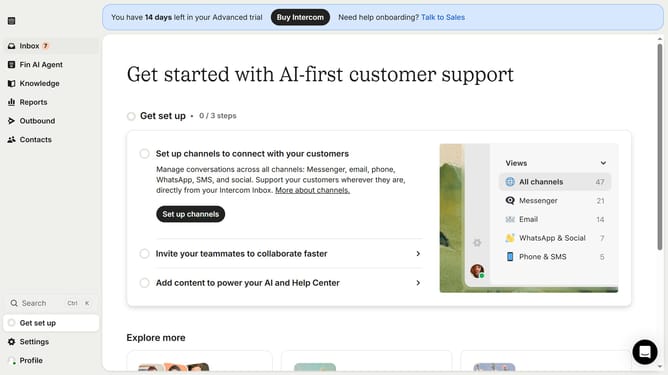
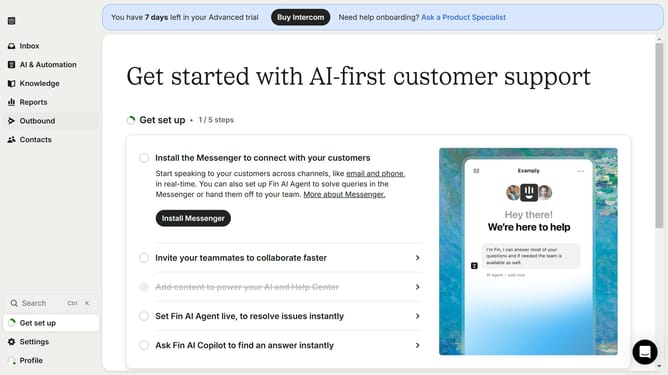
- First click on "Knowledge" item in the sidebar
- Then click on "Articles" in the sidebar
- Next click on the article link in the content area
- Then click on the edit icon
- Next click on the "Click Here" button
- Then click on the align center icon
- Finally click on the "Save" button
Why should you align click button in internal article on Intercom
Intercom is a versatile platform that helps businesses foster personalized customer relationships with ease.
Aligning the click button in an internal article on Intercom ensures a seamless and engaging user experience. This feature highlights the importance of intuitive design in communication strategies.
Using this feature promotes efficient navigation and enhances content accessibility, boosting both reader engagement and interaction.
Last update