How to send a SMS on Intercom
Here is how to send a sms on intercom
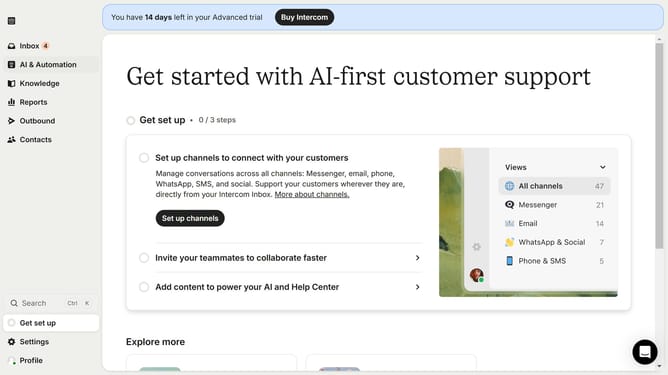
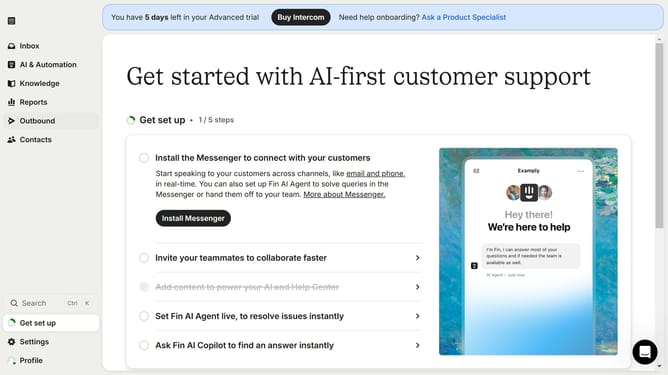
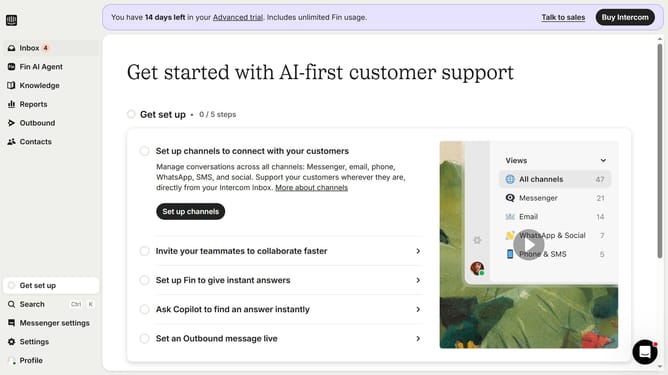
- First click on the "Outbound" option in the left sidebar navigation menu
- Then click on the message title from the list in the main content area
- Next click on the "Set live" button in the top-right corner of the message editor
- Finally click the "Set live" button in the confirmation dialog popup to activate your SMS message
Why should you send a SMS on Intercom
Intercom is an innovative platform designed to enhance customer communication effectively and seamlessly.
The ability to send SMS through Intercom allows for immediate, personalized interactions with your audience. This feature enables businesses to reach their customers where they are most engaged, enhancing engagement and response rates.
By utilizing SMS on Intercom, companies can ensure that vital information reaches their customers instantaneously, leading to improved customer satisfaction and retention. With this feature, enjoy streamlined communication that is both direct and effective.
Last update