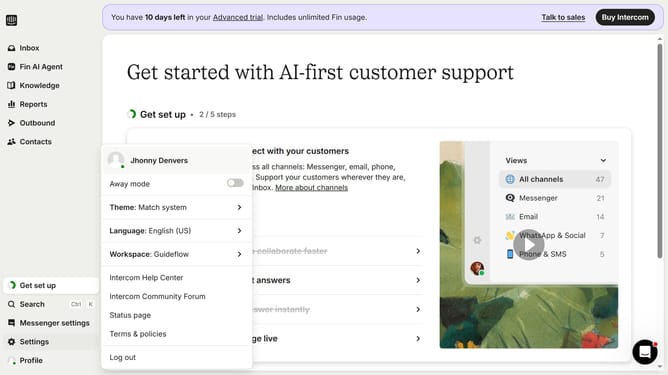
How to set a stop date for sending a checklist in Intercom
Here is how to set a stop date for sending a checklist in intercom
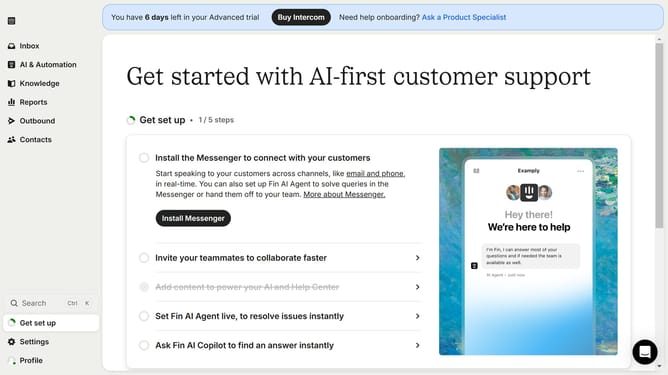
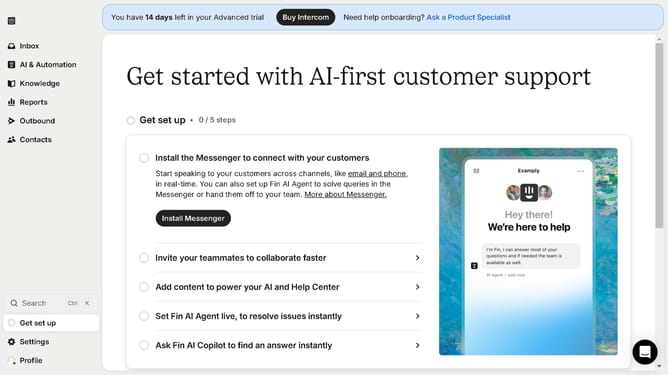
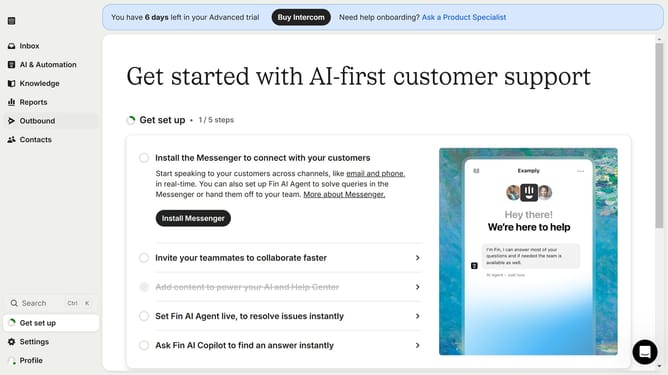
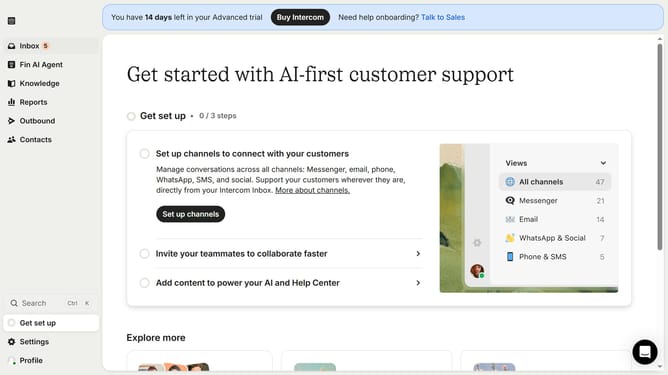
- First click on "Outbound" in the left sidebar menu
- Then click on "New message" button in the top right corner
- Next select "Checklist" template from the available options
- Then click on "Scheduling" section to expand message scheduling options
- Next click on "Custom date" option under Stop sending section
- Finally select the stop date and time in the custom date picker
Why should you set a stop date for sending a checklist in Intercom
Intercom is a powerful communication platform designed to enhance customer engagement and support.
By setting a stop date for sending a checklist in Intercom, you can efficiently manage task timelines. It ensures that communications are sent within a specific timeframe, aligning with your project's needs.
This feature promotes organized workflows and prevents checklist overflows, optimizing team productivity. It also enhances customer satisfaction by ensuring timely and relevant interactions.
Last update