How to set holidays and closure hours yearly on Intercom
Here is how to set holidays and closure hours yearly on intercom
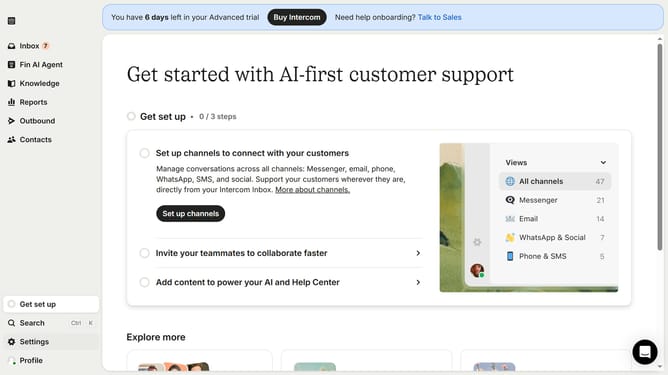
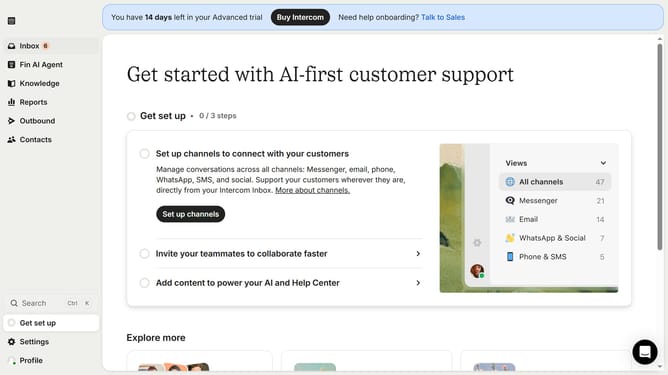
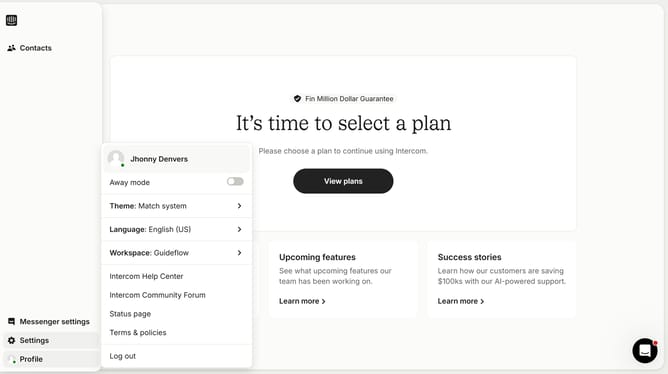
- First click on "Settings" item in the left sidebar
- Then click on "Office hours" option in the main section
- Next click on the edit icon next to the holiday that you want to manage
- Then click on the "Repeat every year" checkbox
- Finally click on the "Update exception" button
Why should you set holidays and closure hours yearly on Intercom
Intercom is a powerful platform designed to enhance communication between businesses and their customers.
Setting holidays and closure hours yearly on Intercom allows businesses to efficiently manage customer expectations by clearly communicating their availability.
This feature helps reduce unnecessary inquiries during non-business hours, ensuring a seamless customer experience without confusion.
By planning these times in advance, businesses can focus on delivering exceptional service when they're open and available.
Last update