How to reopen a ticket in Intercom
Here is how to reopen a ticket in intercom
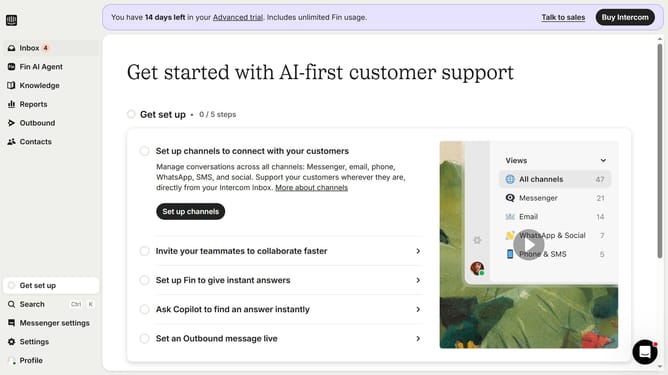
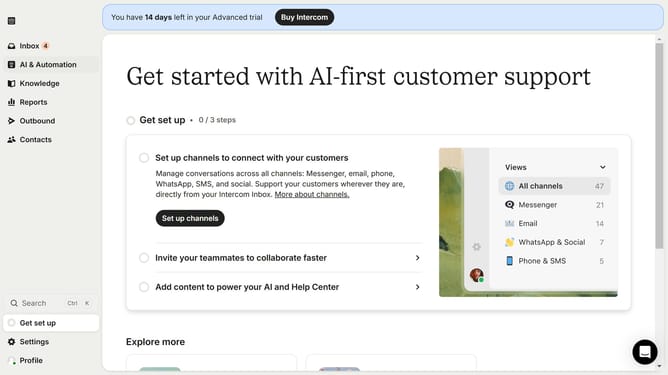
- First click on the "Inbox" item in the left sidebar menu
- Then click on the filter dropdown button in the main conversation list
- Next select "Closed" option from the status dropdown menu
- Then click on the ticket you want to reopen in the conversation list
- Finally click on the "Re-open" icon in the top right corner of the conversation details
Why should you reopen a ticket in Intercom
Intercom is a dynamic customer support platform designed to enhance communication and engagement between businesses and their clients.
The ability to reopen a ticket in Intercom ensures that customer issues can be revisited for further clarification or resolution. This feature is beneficial for addressing evolving customer concerns without starting from scratch, enhancing the continuity of support conversations.
Reopening tickets allows teams to maintain an efficient workflow by ensuring all relevant information is preserved and easily accessible. This not only enhances customer satisfaction but also boosts team productivity and collaboration.
Last update