How to close a ticket in Intercom
Here is how to close a ticket in intercom
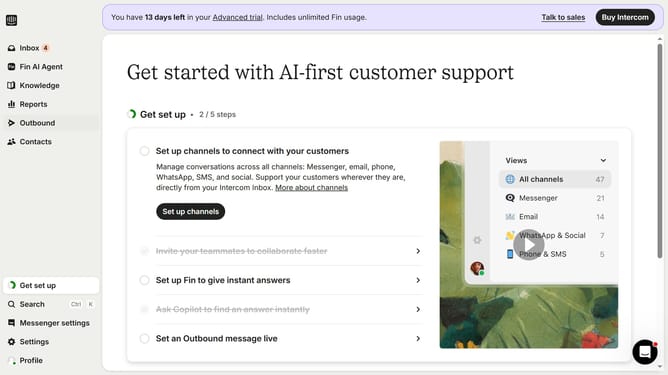
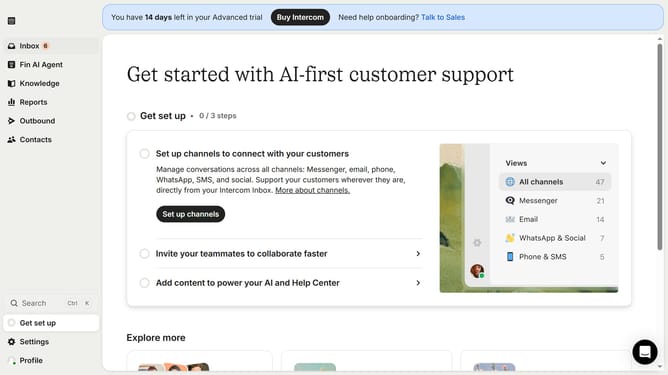
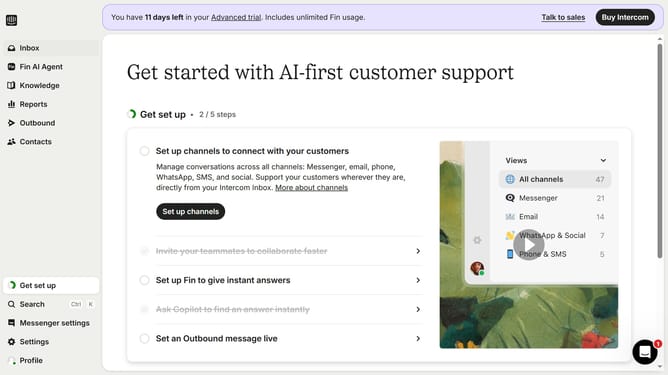
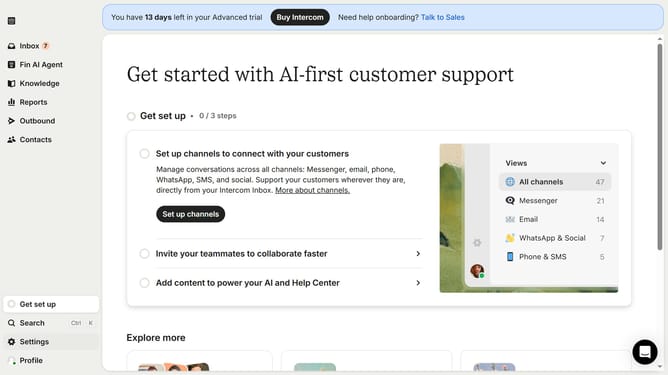
- First click on the "Inbox" item in the left sidebar menu
- In the conversation list, click on the ticket to open it
- Then click on the "Update ticket state" button in the top toolbar
- From the status dropdown menu, select "Close" to close the ticket
Why should you close a ticket in Intercom
Intercom is a versatile platform that revolutionizes customer communication and support.
Closing a ticket in Intercom is an essential feature that ensures efficient management of customer inquiries. It signifies the resolution of an issue, enhancing the customer support experience by providing clear closure.
This feature streamlines workflow, reducing clutter and allowing support teams to focus on pending tasks. It promotes organized and effective communication, benefiting both the support team and the customer in meaningful ways.
Last update