How to archive a "Submitted" ticket state in Intercom
Here is how to archive a "submitted" ticket state in intercom
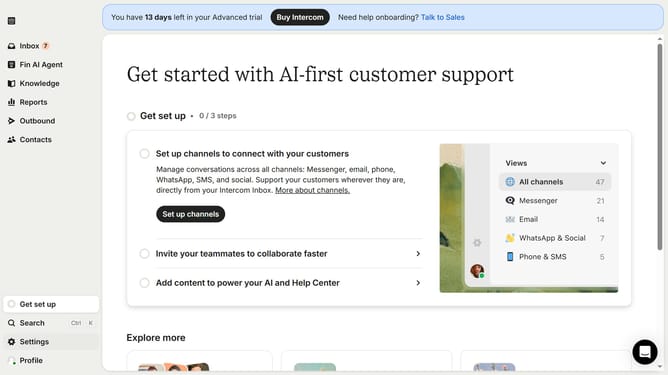
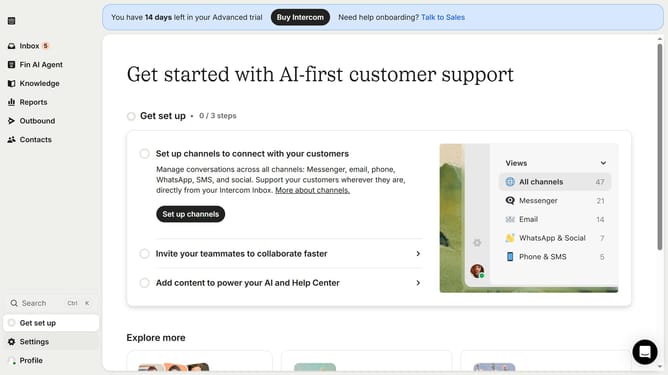
- First click on "Settings" in the left sidebar
- Then click on "Inbox" in the settings menu
- Next click on "Tickets" in the Inbox submenu
- Click on "Ticket states" tab in the main content area
- Click on the edit icon next to the state
- Then click on the archive icon in the edit state modal
- Finally click on "Archive" button in the confirmation dialog
Why should you archive a "Submitted" ticket state in Intercom
Intercom is a leading customer communication platform designed to streamline business interactions.
Archiving a "Submitted" ticket state in Intercom helps maintain an organized and clutter-free workspace.
This feature allows teams to focus on active tasks while ensuring that historical data is neatly stored for future reference.
By decluttering your ticket interface, it enhances efficiency and aids in quick decision-making, ultimately facilitating seamless communication and support.
Last update