How to remove an article from my Help Center on Intercom
Here is how to remove an article from my help center on intercom
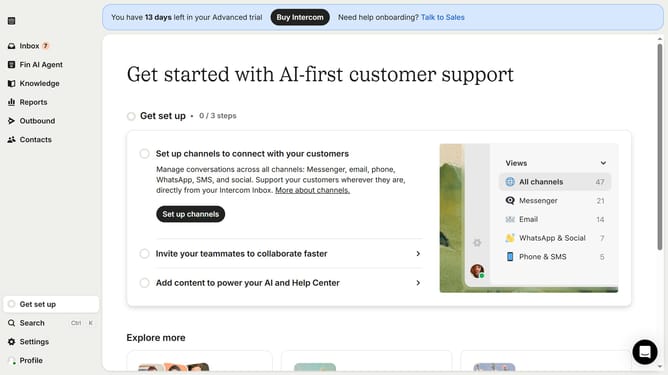
- First click on the "Knowledge" item in the left sidebar menu
- Then click on the "Help Center" option in the left sidebar submenu
- In the left sidebar click on the dropdown menu to expand it
- Click on the options menu to expand the settings of the article
- Select the "Remove" option from the dropdown menu
- Finally click on "Remove from collection" button in the confirmation dialog
Why should you remove an article from my Help Center on Intercom
Intercom is a leading platform designed to enhance customer communication and support experiences.
If you find the need to remove an article from your Help Center, Intercom offers a straightforward method to keep your content relevant and up-to-date without hassle.
Removing outdated or irrelevant articles ensures that your Help Center remains a reliable resource for your customers, enhancing their experience and satisfaction.
This feature allows you to maintain a clean and efficient knowledge base, ensuring your users find the most pertinent information effortlessly.
Last update