How to set default office hours in Intercom
Here is how to set default office hours in intercom
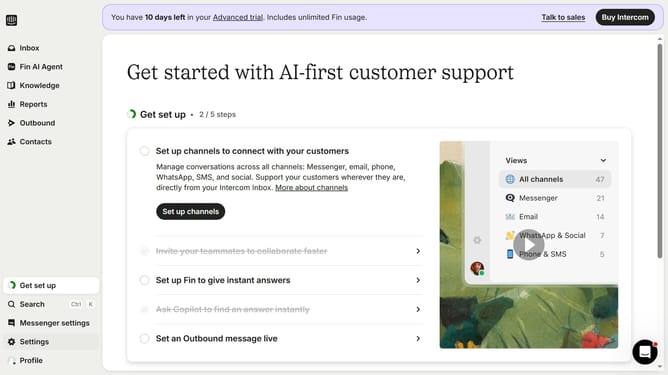
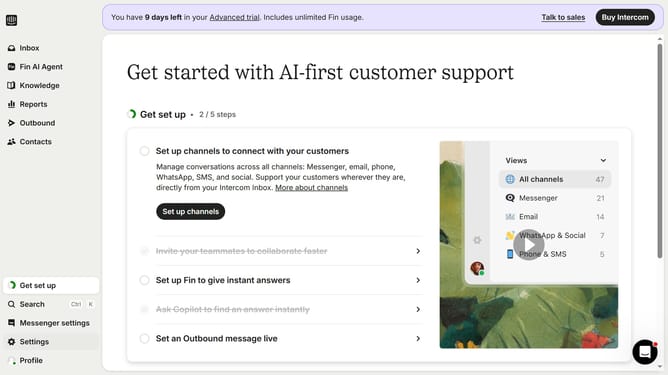
- First click on the "Settings" option in the left sidebar
- Then select "Workspace" from the settings menu
- Next click on "Office hours" in the workspace submenu
- Finally click on "Add hours" button in the Default office hours section
Why should you set default office hours in Intercom
Intercom is a cutting-edge platform designed to enhance customer communication through effortless interaction management.
Setting default office hours in Intercom is instrumental in managing customer expectations by clearly defining when your team is available to respond.
This feature ensures customers know when to anticipate replies, thereby enhancing their experience and satisfaction.
Moreover, it empowers teams to maintain a healthy work-life balance by setting boundaries and ensuring consistent availability.
Last update