How to set reply times on Intercom
Here is how to set reply times on intercom
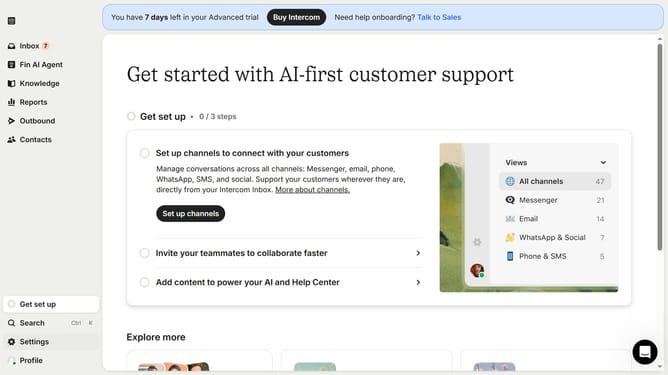
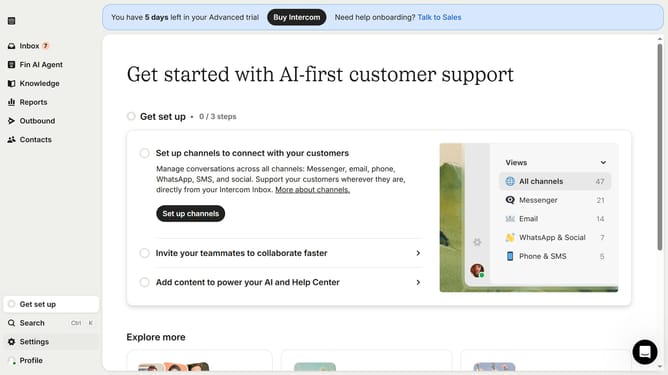
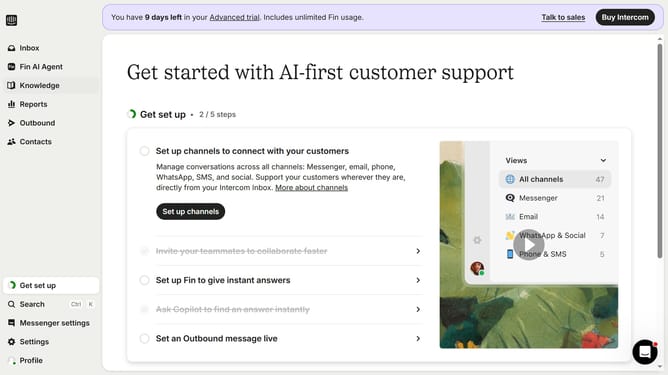
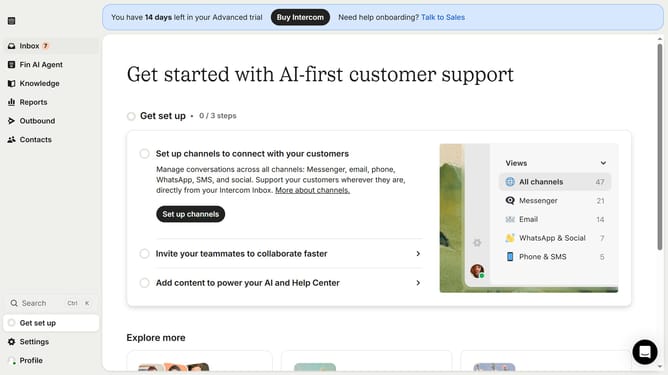
- First click on "Settings" in the left sidebar
- Then click on "Office hours" in the Settings menu
- Then click on the dropdown menu under "The team usually replies"
- Finally select an option from the dropdown menu
Why should you set reply times on Intercom
Intercom is a leading platform designed to streamline customer communication and boost engagement.
Setting reply times on Intercom is a powerful feature that plays a crucial role in enhancing customer satisfaction and support efficiency.
By customizing the reply times, businesses can effectively manage customer expectations, ensuring that responses are prompt and tailored to specific business hours or team availability.
This feature not only minimizes the response gaps but also fosters trust and strengthens the brand's relationship with its audience.
Last update