How to add a numbered list in an email autoreply in Intercom
Here is how to add a numbered list in an email autoreply in intercom
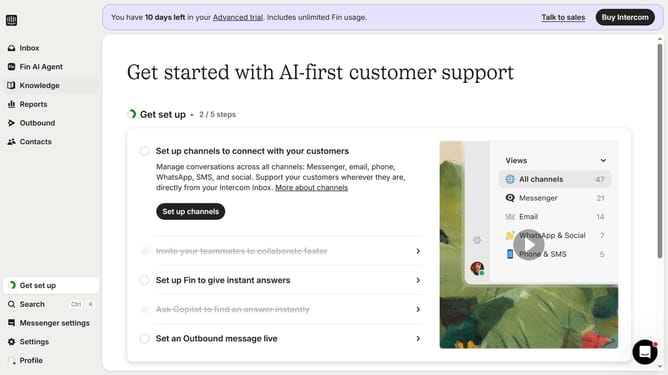
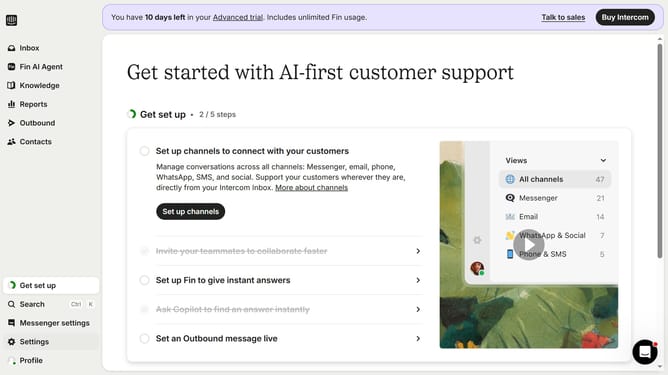
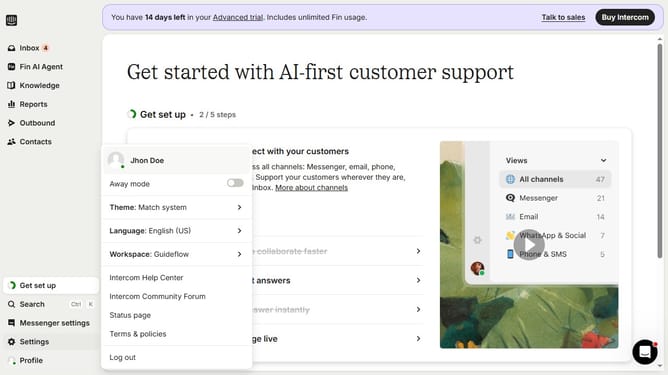
- First click on the "Settings" item in the left sidebar
- Then click on the "Channels" item in the left sidebar
- Next click on the "Email" item in the left sidebar
- Then click on the "Email settings" tab
- After that, click on the "Configure auto reply" button
- Then click on the "+" button to add a new item
- Then select "Numbered list" from the dropdown menu
- Then enter your numbered list the text area
- Finally click on the "Save changes" button
Why should you add a numbered list in an email autoreply in Intercom
Intercom is a dynamic platform designed to streamline customer communication efficiently.
Adding a numbered list in an email autoreply on Intercom enhances the clarity and organization of your messages.
It breaks down information into digestible, sequential steps, which can significantly improve the recipient's understanding and engagement.
Utilizing numbered lists can lead to improved customer experiences, as clients are more likely to follow a well-structured and clear set of instructions.
Last update