How to edit conversation tags on Intercom
Here is how to edit conversation tags on intercom
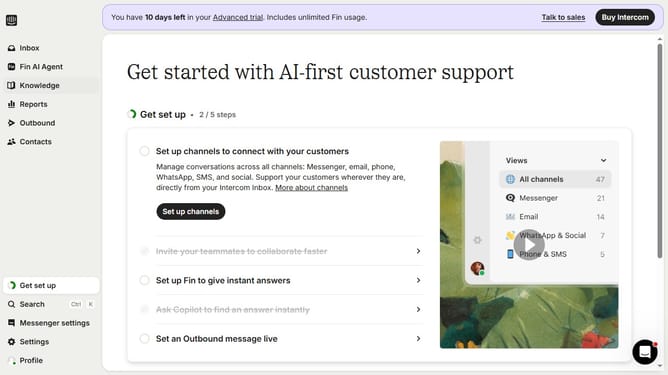
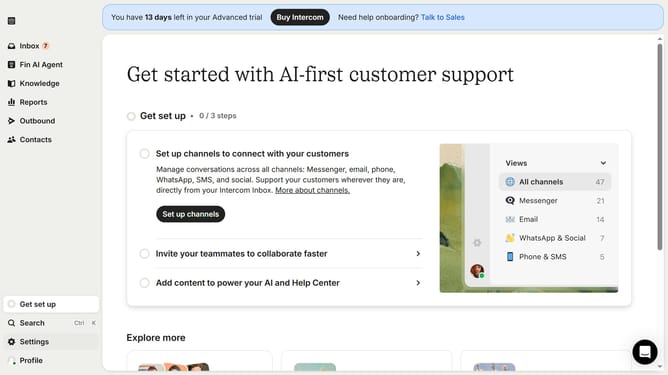
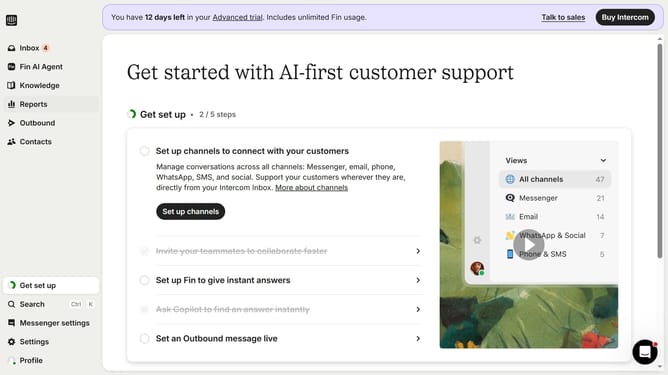
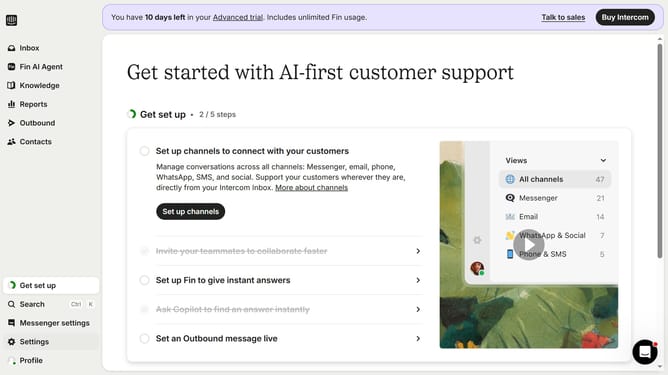
- First click on "Settings" option in the left sidebar
- Then click on "Data" section in the Settings menu
- Next, select "Tags" from the submenu under Data
- Then click on the edit icon next to the tag name
- After that, edit the tag name
- Finally, click on the checkmark icon to save the changes
Why should you edit conversation tags on Intercom
Intercom is a versatile customer messaging platform designed to enhance communication between businesses and their customers.
Editing conversation tags on Intercom streamlines workflow by allowing team members to categorize interactions efficiently.
This feature fosters better organization, enables quick retrieval of conversations, and simplifies monitoring processes.
Consequently, businesses can prioritize tasks, enhance customer service quality, and ultimately improve response times.
Last update