How to access the article version history on Intercom
Here is how to access the article version history on intercom
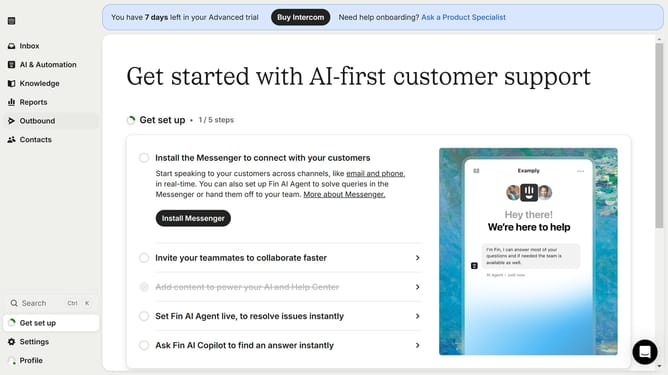
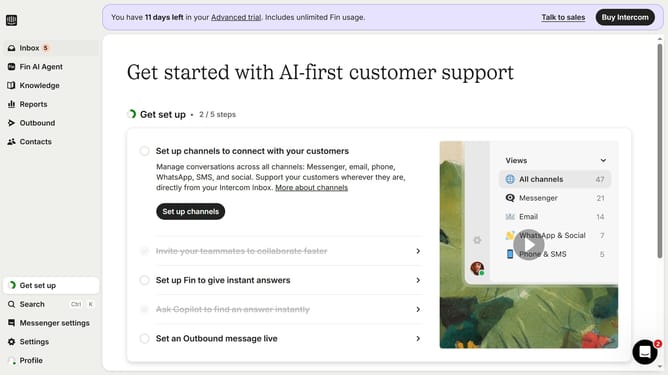
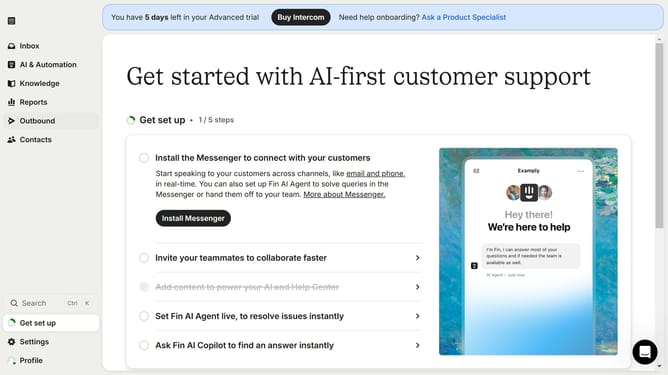
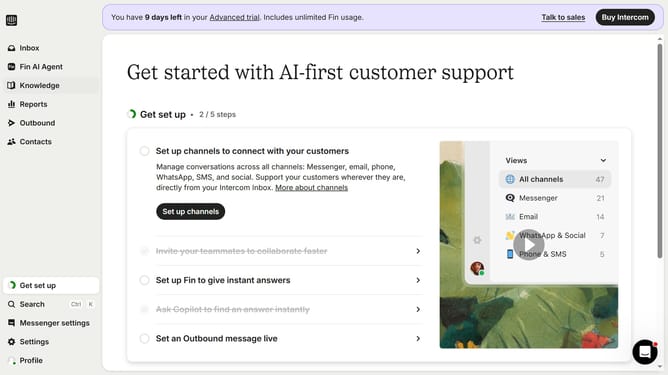
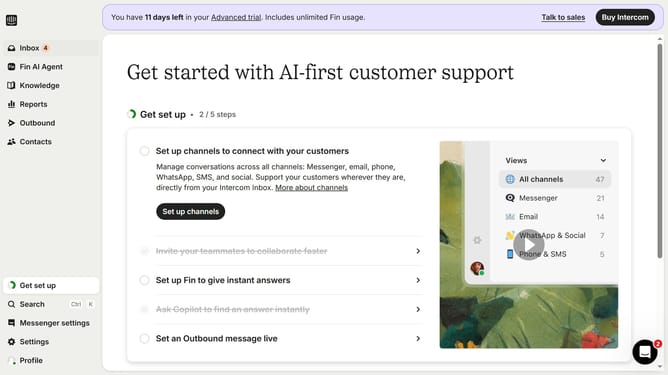
- First click on the "Knowledge" option in the left sidebar menu
- Then click on the item in the content list
- Next click on the "Show details" button in the top-right corner of the article editor
- Finally click on the "Show version history" link in the details panel
Why should you access the article version history on Intercom
Intercom is a dynamic platform designed to enhance customer communication and support.
A key feature of Intercom is its article version history, offering an invaluable glimpse into the evolution of content.
This feature allows users to view past iterations of an article, ensuring transparency and accountability in content management.
Accessing article version history is crucial for tracking changes, identifying content improvements, and maintaining consistency in communication, ultimately contributing to a seamless customer experience.
Last update