How to edit a SMS on Intercom
Here is how to edit a sms on intercom
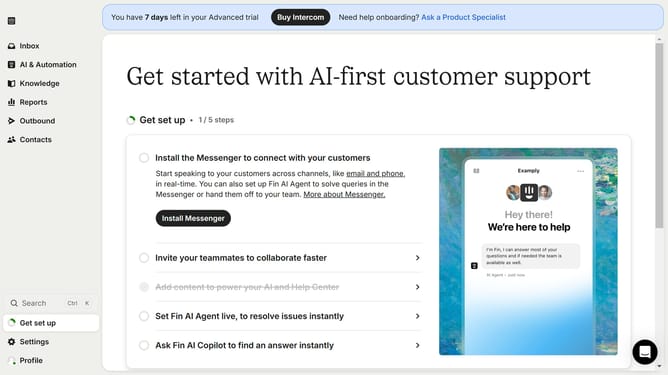
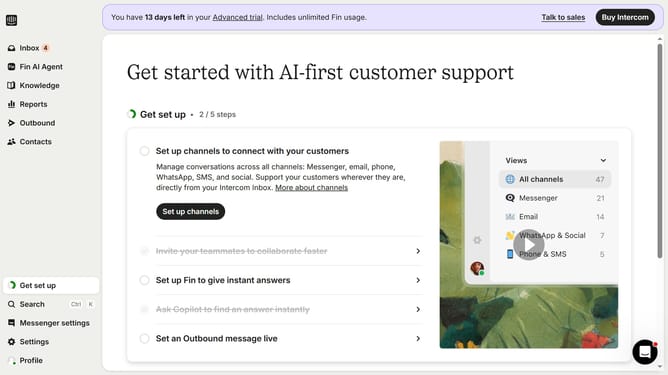
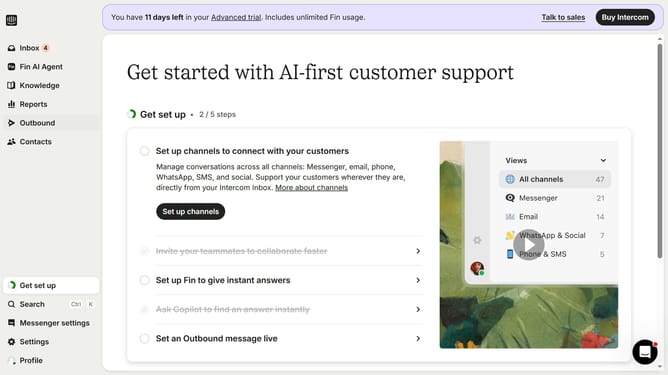
- First click on "Outbound" in the left sidebar menu
- Then click on the message title in the messages list
- Next click on the Content section to expand message settings
- Then click on the "Rules" section to configure message targeting rules
- Finally click the "Save and close" button in the top right corner to save your changes
Why should you edit a SMS on Intercom
Intercom streamlines communication by integrating customer interaction across one platform.
Editing an SMS on Intercom enhances your ability to personalize messages, adapting the tone and content to specific customer needs.
This feature empowers you to maintain consistent messaging, rectify potential errors, and improve response accuracy, boosting customer satisfaction and trust.
By utilizing the SMS editing capabilities, businesses can ensure their messaging remains relevant and impactful, enhancing overall communication efficiency.
Last update