How to send a scheduled WhatsApp message in Intercom
Here is how to send a scheduled whatsapp message in intercom
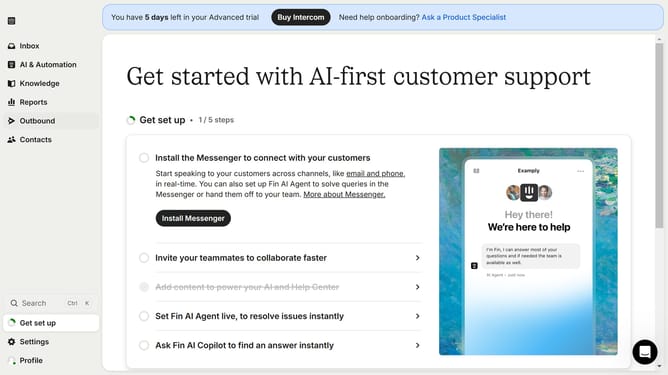
- First click on the "Outbound" option in the left sidebar menu
- Then click the "New message" button in the top-right corner of the Messages screen
- Select the "WhatsApp" template option from the template selection modal
- Click on the "Frequency and scheduling" dropdown in the message settings
- Click on the "Custom date" radio button in the Start sending section
- Finally select the date and time you want to send the Whatsapp message in the custom date picker
Why should you send a scheduled WhatsApp message in Intercom
Intercom is a powerful platform designed to streamline and enhance customer communication.
One standout feature is the ability to schedule WhatsApp messages. This capability allows businesses to strategically time their outreach, ensuring that messages arrive when recipients are most likely to engage.
By scheduling messages, teams can manage workflows more efficiently, maintaining constant and meaningful customer interaction without the need for real-time input. This not only saves time but also strengthens customer relationships through personalized and timely communication.
Last update