How to mark a conversation as priority on Intercom
Here is how to mark a conversation as priority on intercom
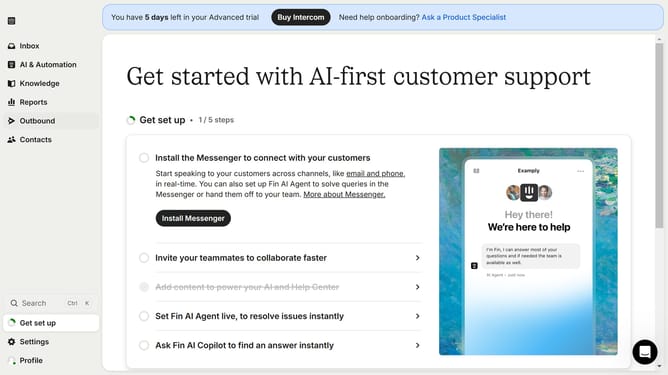
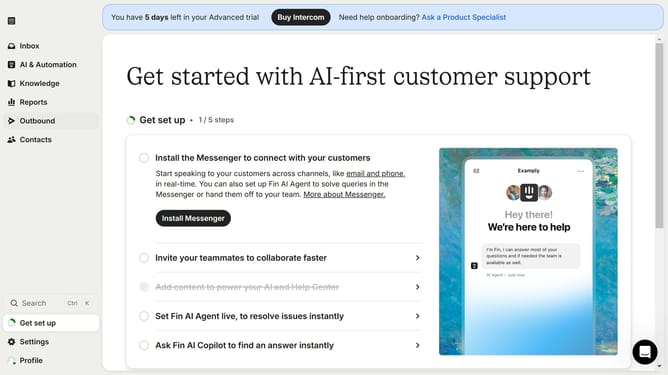
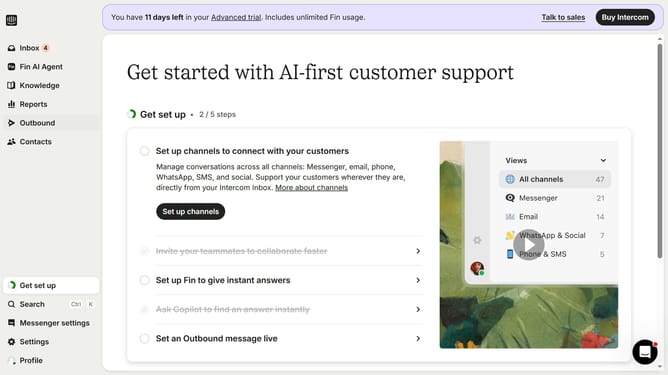
- First click on the "Inbox" tab in the left sidebar
- Then click on the three-dots for the conversation in the main inbox view
- Finally click on the "Mark priority" option from the displayed menu
Why should you mark a conversation as priority on Intercom
Intercom is a dynamic platform designed to revolutionize your customer communication by streamlining interactions and boosting engagement.
One powerful feature within Intercom allows you to mark conversations as a priority, ensuring urgent messages rise above the noise for swift responses. This feature is invaluable for addressing time-sensitive issues or nurturing high-value relationships, providing teams with clarity on where to direct their focus first.
By prioritizing conversations, businesses can enhance efficiency, improve customer satisfaction, and strengthen their support strategy—all contributing to a more responsive and attentive communication experience.
Last update