How to disable email autoreply in Intercom
Here is how to disable email autoreply in intercom
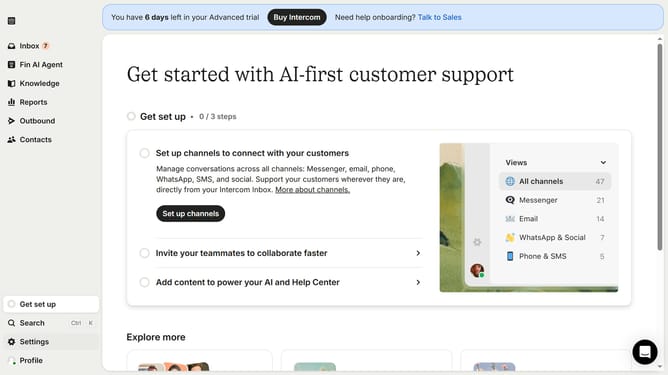
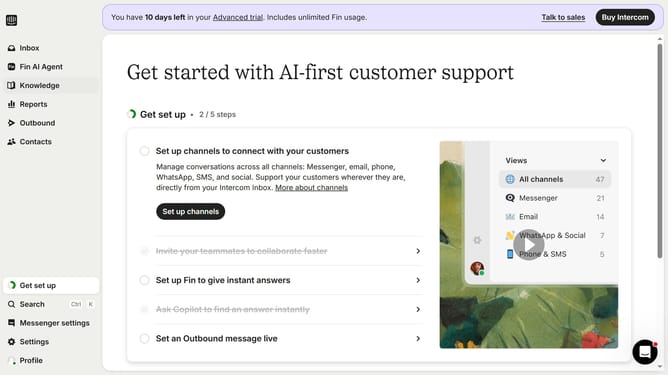
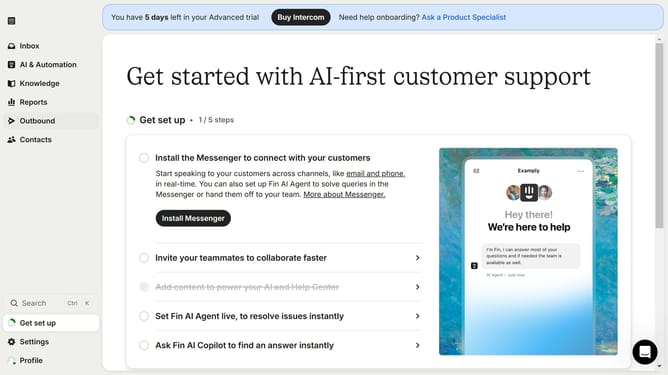
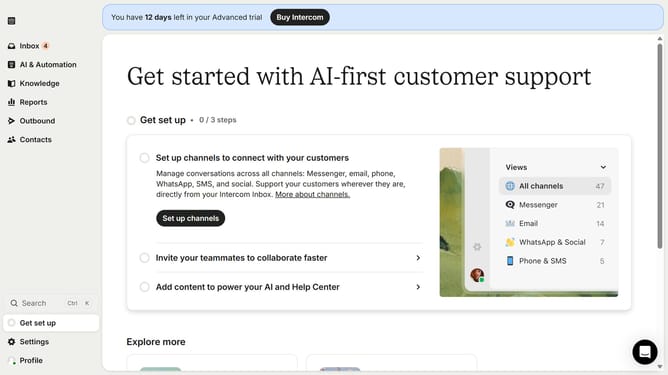
- First click on the settings icon in the bottom left sidebar
- Then click on "Channels" in the left sidebar
- Next, select "Email" from the Channels menu
- After that, click on "Email settings" tab
- Finally, click the toggle switch to disable auto replies
Why should you disable email autoreply in Intercom
Intercom is an intuitive platform designed to enhance customer communications through smart messaging solutions.
Disabling email autoreply in Intercom can make interactions more personalized and less robotic by ensuring that every response is crafted with intent, rather than by automation.
This feature is particularly useful for tailored customer interactions and ensures that messages reflect the accurate tone and information, avoiding generic responses.
Ultimately, it allows for more meaningful engagement, nurturing customer relationships effectively and fostering trust.
Last update