How to create a "Waiting on customer" ticket state in Intercom
Here is how to create a "waiting on customer" ticket state in intercom
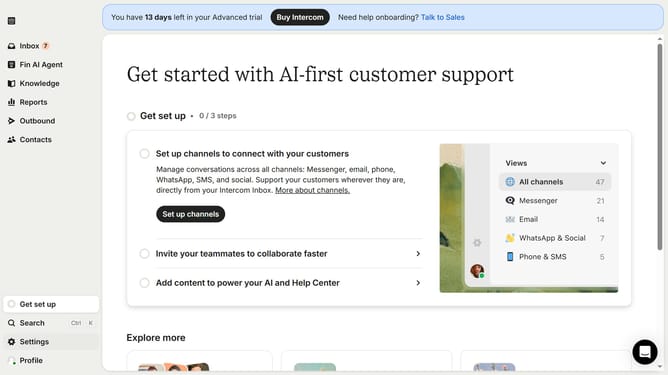
- First click on "Settings" in the left sidebar
- Then click on "Inbox" option in the settings menu
- Next click on "Tickets" item in the expanded inbox menu
- Then click on "Ticket states" tab in the tickets section
- Click on "Create ticket state" button in the top right corner
- Next select "Waiting on customer" from the ticket state dropdown menu
- Enter the name for your ticket state in the designated field
- Finally click the "Save" button in the modal window
Why should you create a "Waiting on customer" ticket state in Intercom
Intercom streamlines customer communication by integrating messaging platforms for seamless engagement.
Creating a "Waiting on customer" ticket state in Intercom allows your support team to track customer-dependent issues efficiently. This feature provides clarity and ensures that both the team and customer are aligned.
Utilizing this feature, you can prioritize tickets and have a transparent view of pending customer actions. It helps mitigate misunderstandings and improves service delivery time.
Ultimately, it enhances customer experience while optimizing internal workflow processes.
Last update